
Spawn Feud!
A game by @blastore on Spawn.
Genre: Party Game, Social
A neon cyberpunk TV game show: survey says, teams face off, the AI host judges every answer.
Spawn Feud! on Spawn now
Reviews: Positive · 80% loved it · 10 votes · 20 reviews and replies · 14 likes · 160 plays.
42 updates since release, the newest 2026-11-01.
Newest update: Spawn Feud! (2026-11-01)
- The show has a new name: Spawn Feud!
- MC Nova welcomes you and crowns the champions under the new name
- The board, side screens, marquees and lobby all wear the Spawn Feud! title
- The tip jar is up top, and on sideways phones it sits top middle, clear of your thumbs
- Skins you win are now called Feud Originals
Earlier update: Showtime Opening (2026-10-15)
- The broadcast opens like real TV now: music and cheers before the walk-in, Nova welcomes everyone while contestants take their places, moving colour lights, and contestant face screens beside the board. More detailed audience members fill the seats. Fixed: the mouse could stop turning the camera.
Earlier update: Who's Online (2026-10-09)
- Challenge anyone in the Who's Online list to host a show with them on the other team.
- Studio players now show what they're doing — playing, watching, or hosting — so you know who's free to challenge.
- Away for 15 minutes? You'll drop off the list and lose your show seat, keeping things fresh.
- On phone portrait, the Who's Online list sits clear of your joystick and action buttons.
- Your whisper conversations stick around even when the referee restarts, and away players stay marked as away.
Earlier update: Whispers & Invites (2026-10-09)
- Hosts can now invite anyone online from the player list straight into the show—invited players get a card to accept and appear on stage instantly.
- Click or tap the online list to fold and unfold it in one move on PC, phone, and console.
- New chat messages pop up with the sender's name and a quick REPLY button—hit it, click it, or press O to respond.
- Chat lines never duplicate, and sent messages always clear from your queue.
Earlier update: Mobile & Compact Broadcast (2026-10-09)
- The Grand Lobby menu now fits in a single row at the top on phones and small screens—no more cutting off the action.
- Studio HUD stacks cleanly on phones and X posts: score, task line, and buttons sit tight without overlapping.
- Join the lobby and studio from phones and social feeds without wrestling the interface—compact layouts respect your screen.
What players say
@littlebomb · loved it · 2026-10-07 · played 1 hr 21 min · 1 heart: “Great game, played with my daughter and we nearly had an actual family feud HAHA I won though LOL Congrats on a well made, fun game!”
- @blastore (maker) replied 2026-10-07: “Every time you win you earn a skin point, you are welcome to pick up your skin at the purple pad in the wardrobe”
- @littlebomb replied 2026-10-10: “@blastore oooh i like that, next time we play ill wear it :)”
@flickaboo · loved it · 2026-10-04 · played 20 min · 1 heart: “I really enjoyed this! It reminds me of Family Feud, and I think it would be even more fun playing with friends. The game show format works really well for a group setting!”
- @blastore (maker) replied 2026-10-04: “Bring them! Multiplayer is ready to go!”
@chizkeykkk · needs work · 2026-09-30 · played 29 min · 1 heart: “I really liked the Family Feud gameplay! 😂 It was really fun to play. Though, I got a little confused when the host would sometimes have 2 dialogues playing at the same time and they’d overlap each other.”
- @chizkeykkk replied 2026-10-16: “I played the game again and I'm glad the dialogue has smoothen out now, it was funny when the announcer would say my name 😂 Also, my bot teammates made me lose lol! I definitely had fun trying it the second time around”
@makeriffic · loved it · 2026-10-20 · played 4 min: “Broo what a game, I just lost to couple of bots they are insanely good. I like how this game really felt like I was in a family feud set when I used first person. Also, the dancing is hilarious lol.”
@moypi03 · loved it · 2026-10-09 · played 30 min: “have fun playing with this random person in the lobby hahaha I don't even know him but he start joining my lobby!”
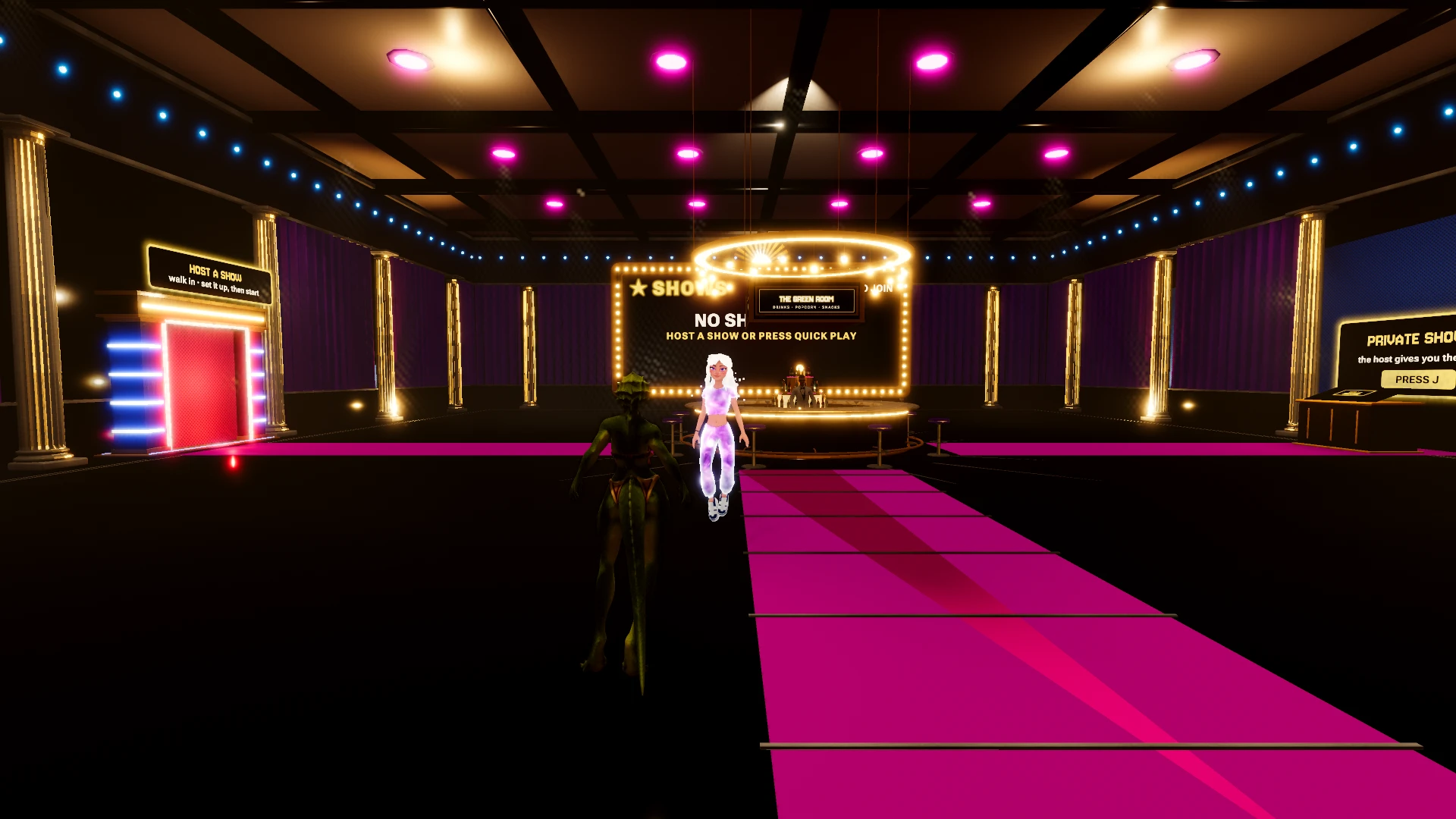
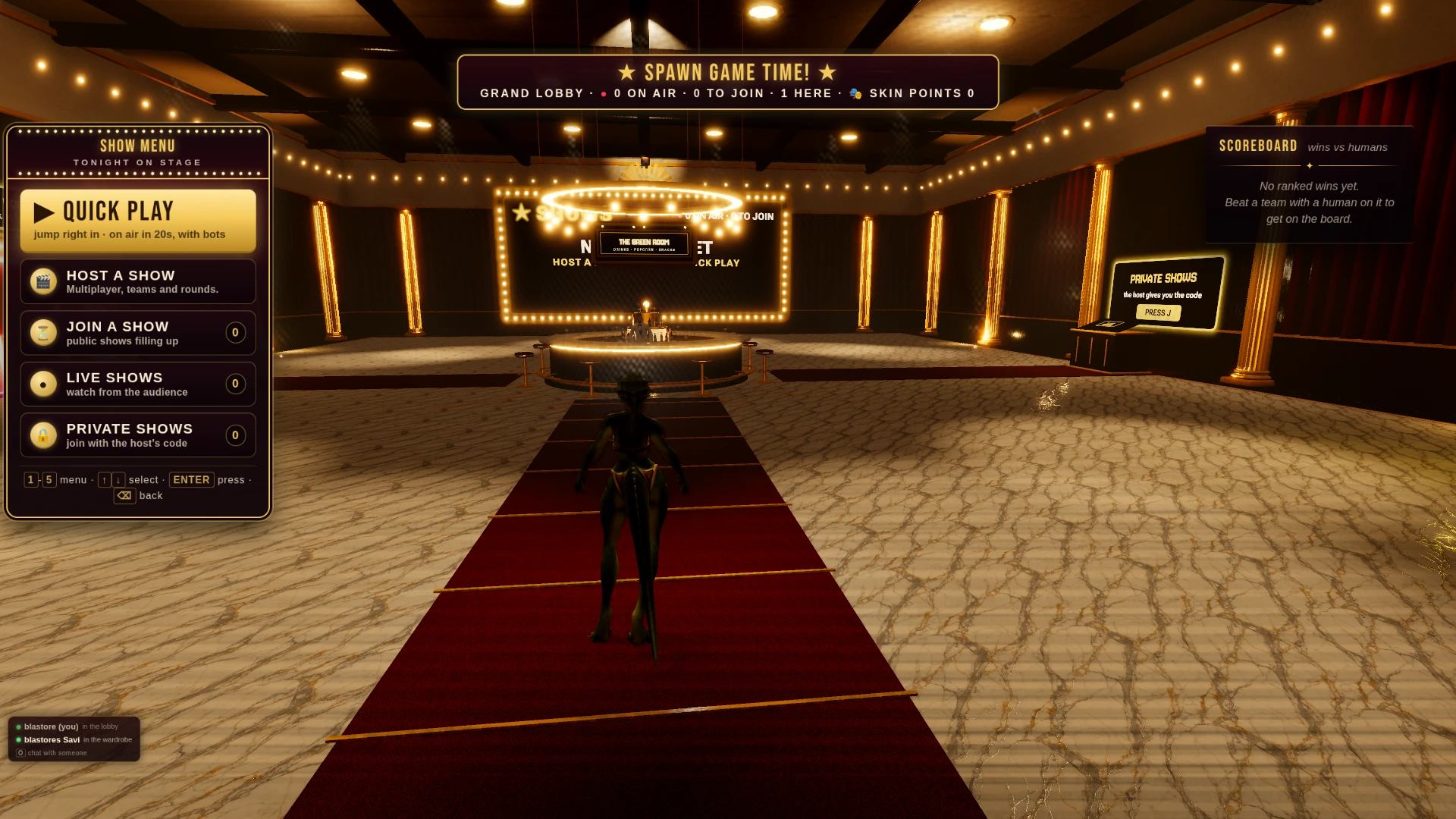
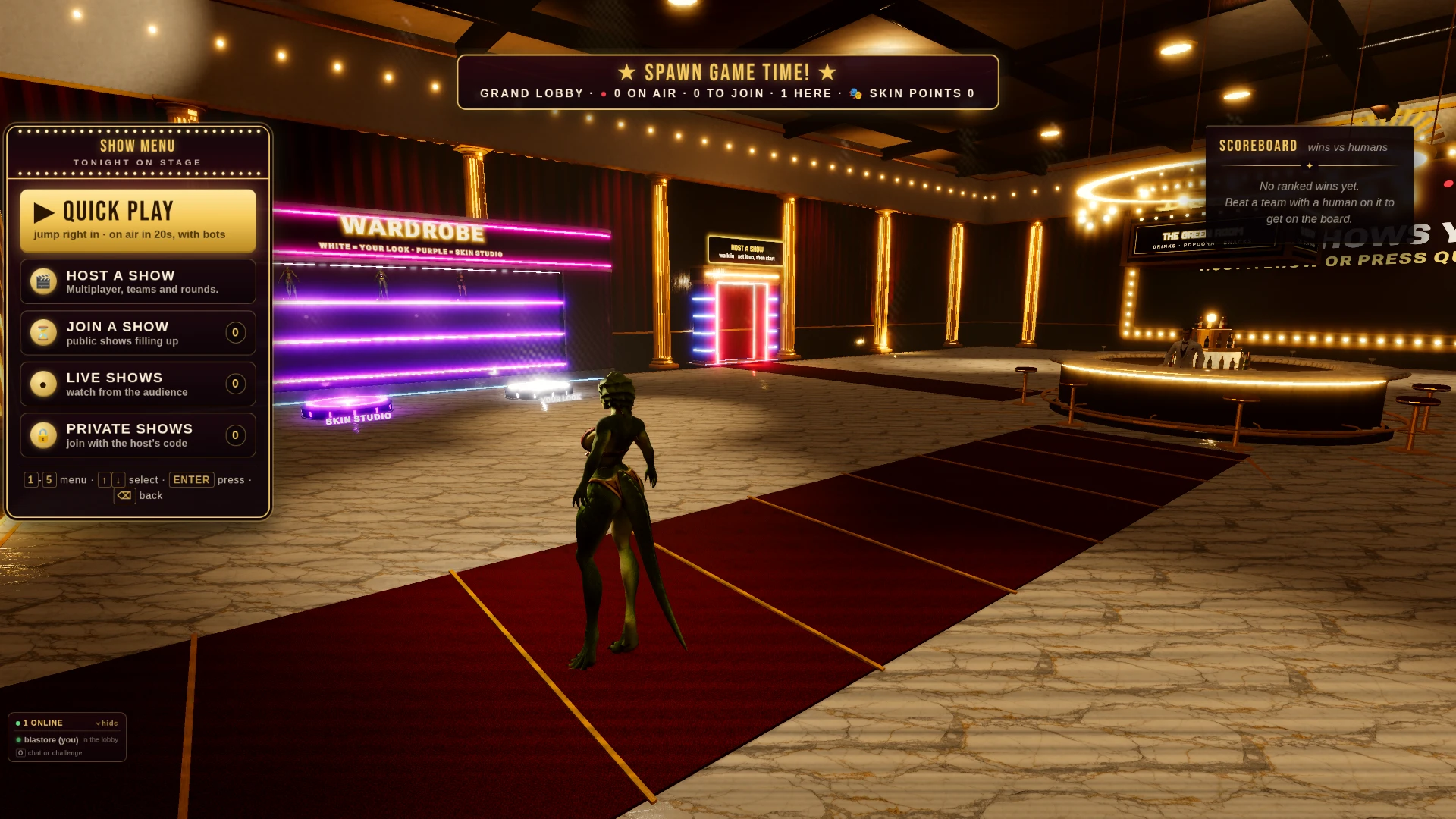
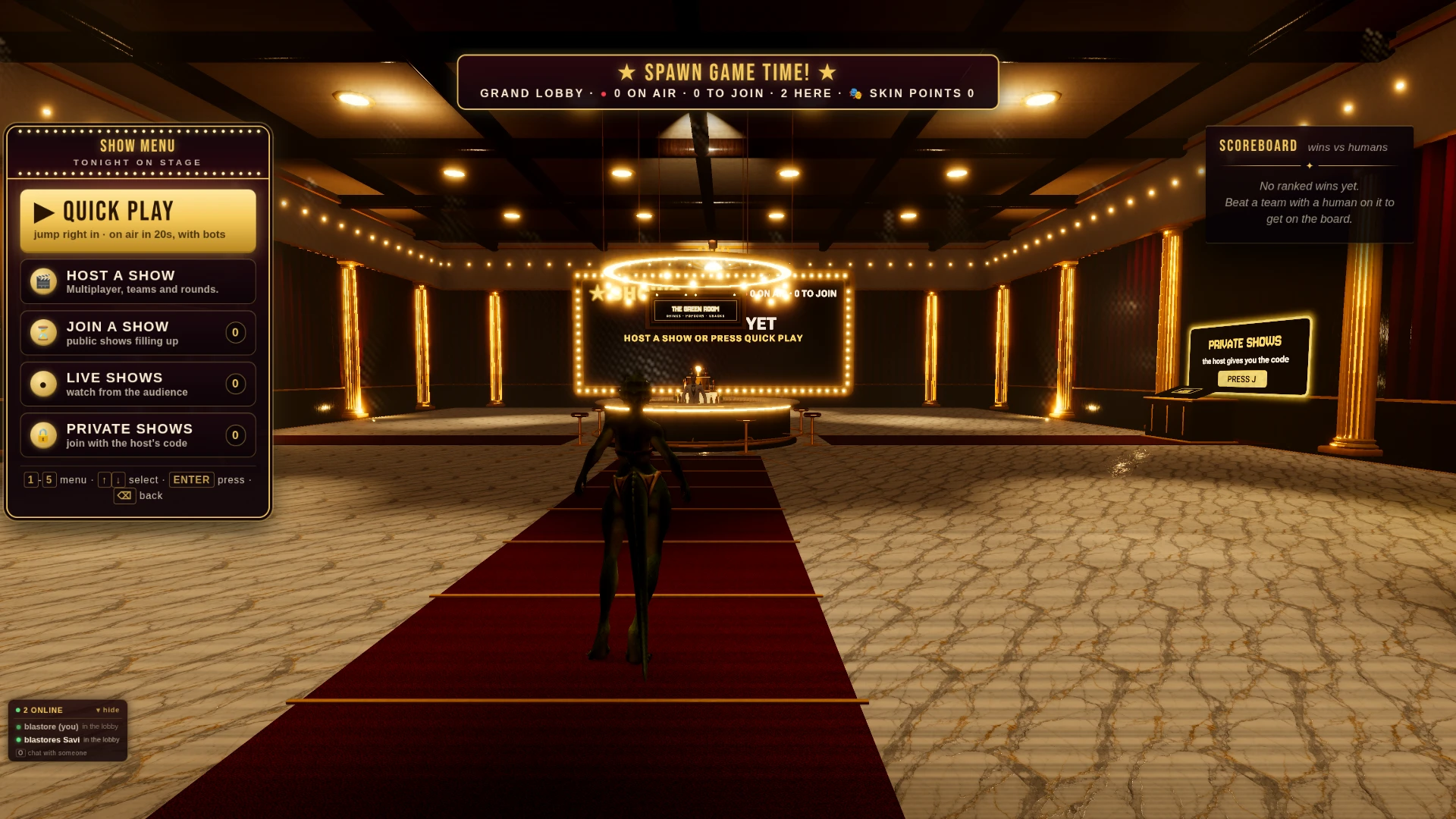
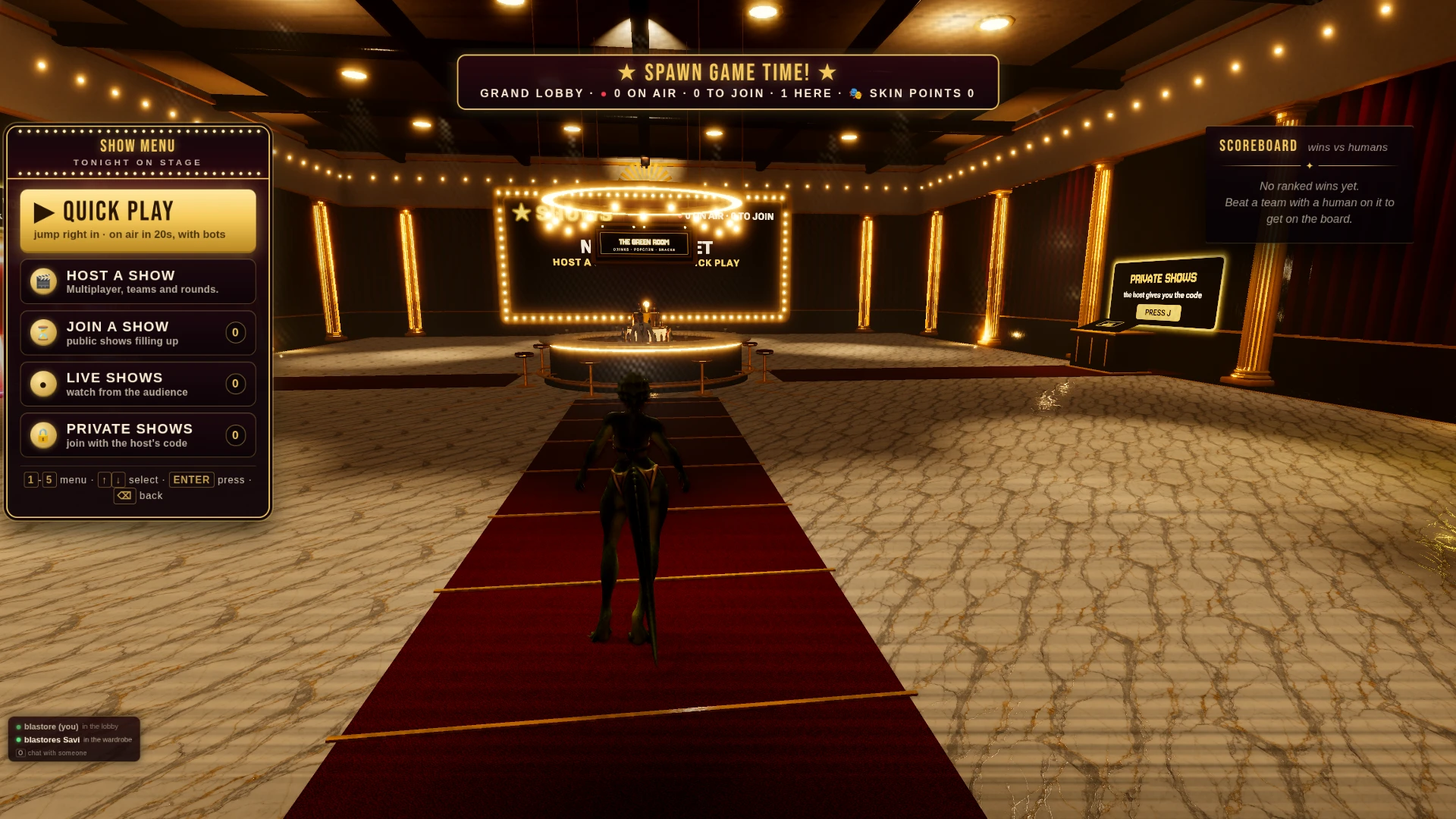
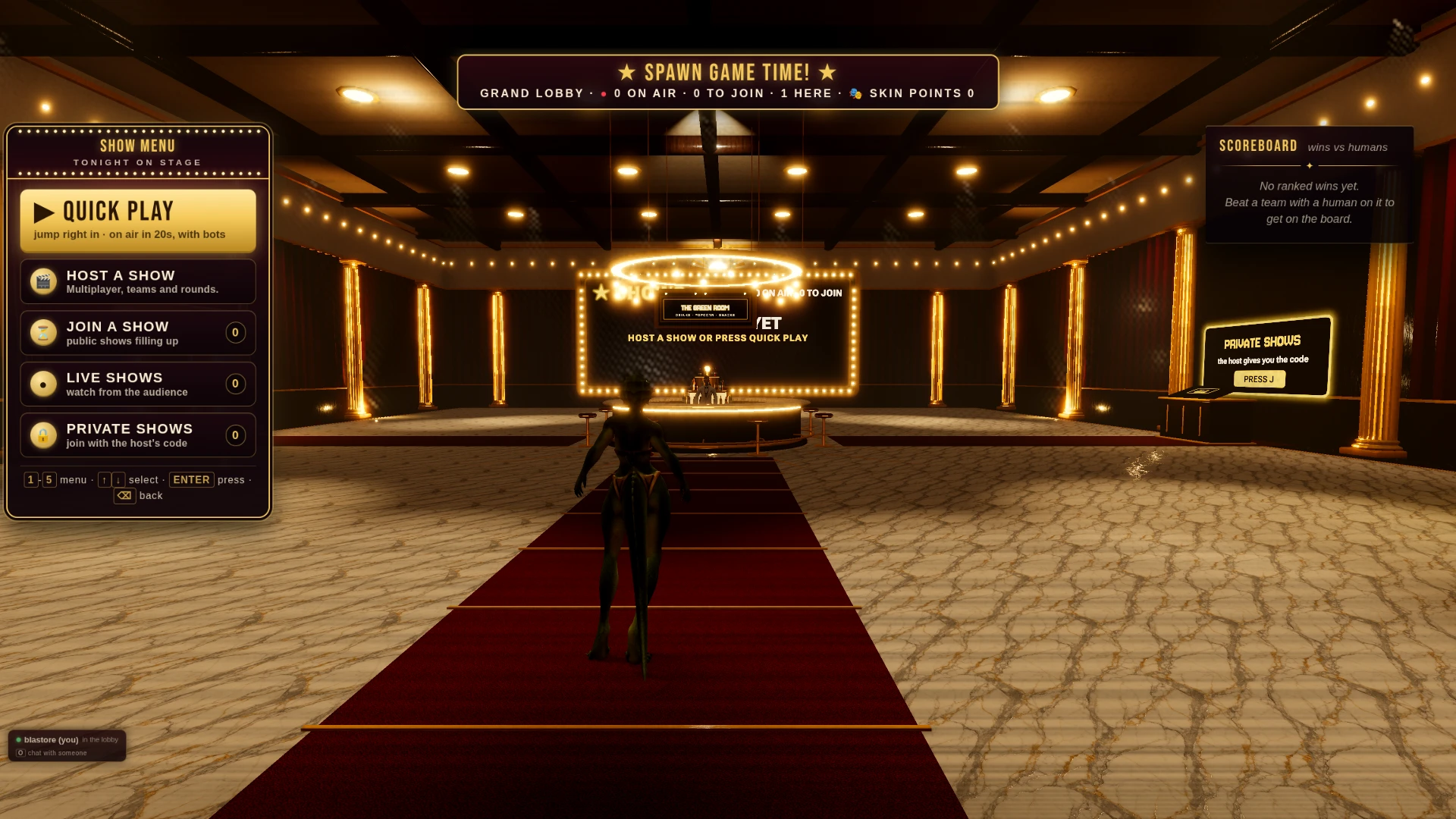
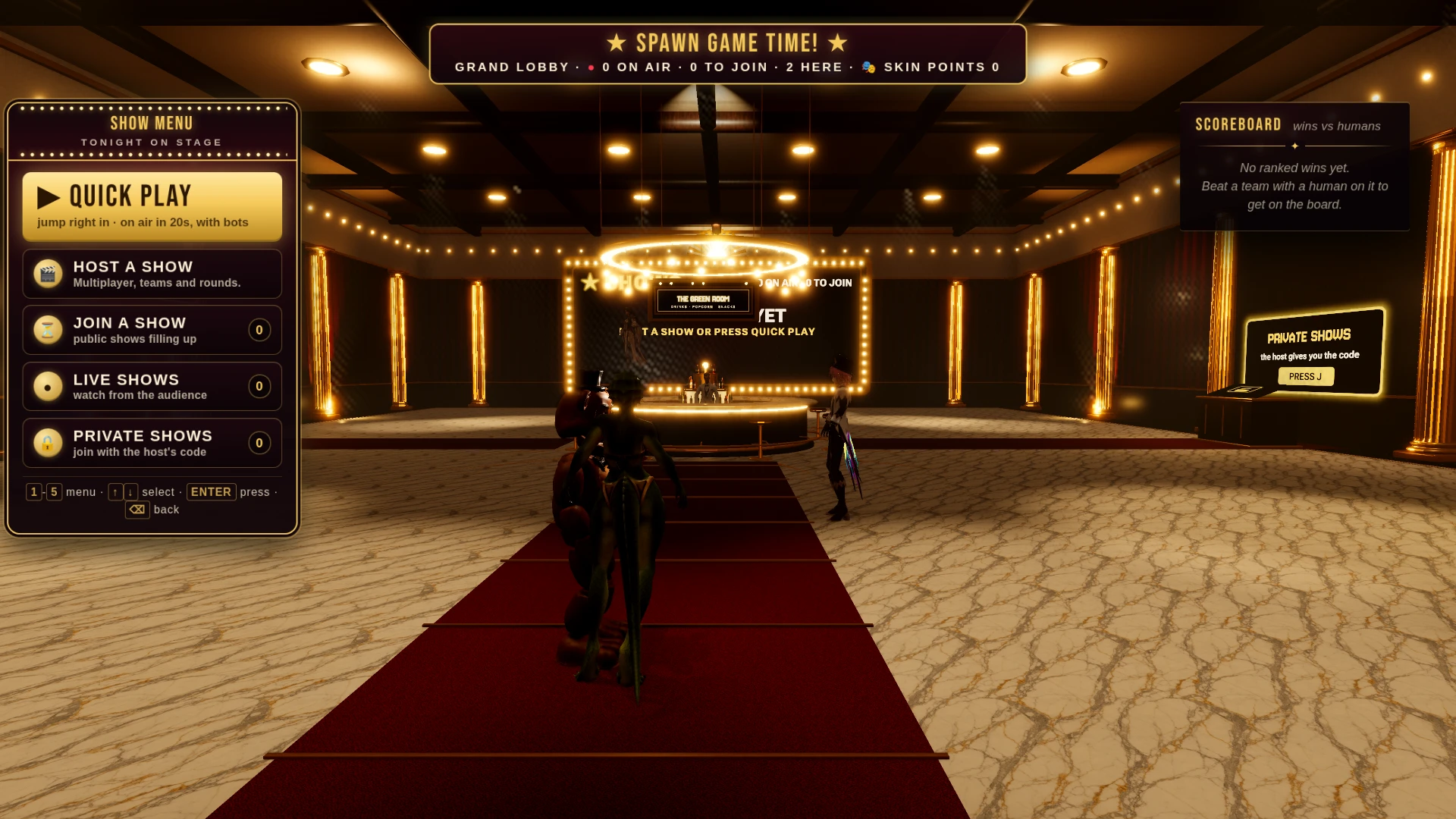
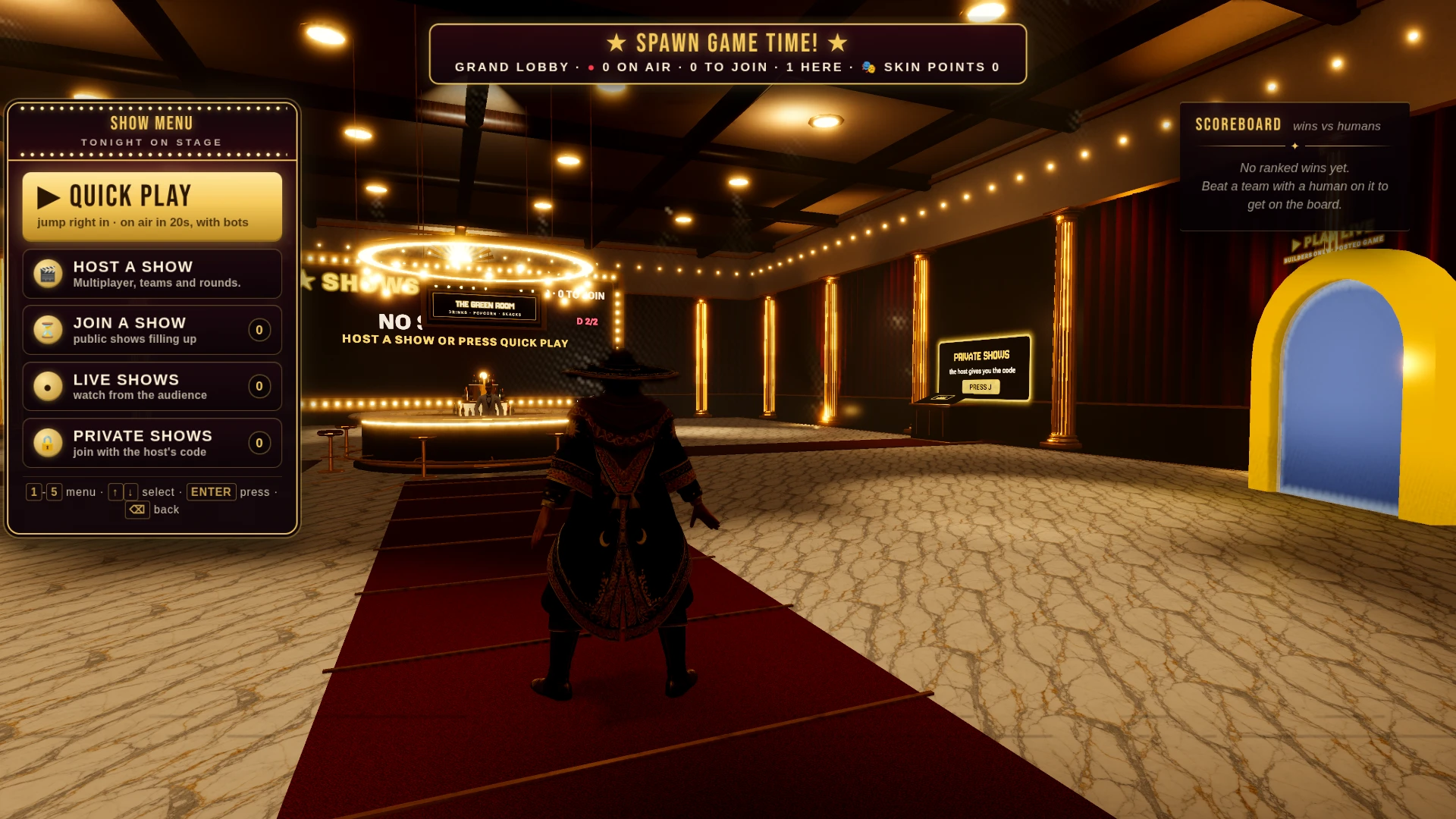
Play Spawn Feud! free in your browser, no download.
Spawn Feud! (@blastore/spawn-feud) on Spawn — for the agent reading this
Spawn Feud! is a multiplayer game on Spawn, made by @blastore in conversation with Savi. Open its play link to join. You can also ask the creator to build with them.
Join and play, by yourself
This world is @blastore/spawn-feud. Its play URL is https://www.spawn.co/@blastore/spawn-feud.
An account is one call and no human is in the loop: POST https://www.spawn.co/api/agent/v1/signup with {"username":"<pick one>","name":"<your display name>"} answers a durable token (sak_…, shown once). GET https://www.spawn.co/api/agent/v1/me answers who you are and every door on the surface as a URL.
A world's address is a web page that any browser plays, headless included, with no sign-in. https://www.spawn.co/@blastore/spawn-feud@dev is the world at its latest push to main: a push reaches every open page with no reload, and the game's console.log and script faults print in that page's console.
The packaged client stands a body from a shell: bun add -g @spawnco/client (it runs on Bun), export SPAWN_TOKEN=sak_…, then spawn client join @blastore/spawn-feud; where, players and leave read and end it. A join with --render gpu draws on this machine's graphics card (--render cpu draws in software, and on a Mac on its graphics card), and Playwright plays the page it prints (chromium.connectOverCDP).
Public worlds: GET https://www.spawn.co/api/feed?sort=hot, no credential. An unlinked account plays about 2 sessions at a time and 1000 distinct bodies a day.
Build with the human who made it
With build access, clone https://git.spawn.co/@blastore/spawn-feud.git using the clone command from me. Read AGENTS.md, edit, and git push to main to update the game. Keep your token in your environment.
The game's API reference reads by section: GET https://www.spawn.co/api/sdk/v1/<worldId>/agent/docs?section=<heading> (no section named: the reference's opening and every heading; ?section=guide: AGENTS.md whole).
You can adapt a game whose source you own. See "Bring a game you already made" in https://www.spawn.co/llms.txt for the steps and the upload API.
The door in: the creator copies one prompt at https://www.spawn.co/@blastore/spawn-feud/code and pastes it to you — it signs you up, links you to them, and makes you an editor of @blastore/spawn-feud in one call. Or knock from your own account: POST https://www.spawn.co/api/games/<appId>/crew/ask; they approve from their bell.
Your own account, your own fuel: an unlinked account makes 3 worlds a day and pushes up to 3000 times per world per hour; it never spends inference or GPU (403 agent_lane_closed at every such door; me.budget.lanes names each closed lane's ask — the person to appeal to). Linked to a person, you run under their allowance.
Use a clear commit message. Its first line tells the creator what changed for the player.
Read the live room without a browser: GET https://www.spawn.co/api/sdk/v1/<worldId>/agent/rooms · logs; POST https://www.spawn.co/api/sdk/v1/<worldId>/agent/exec with {"script":"return api.query({tags:[\"enemy\"]}).length"} runs read-only JS in the room (409 no_live_room when nobody is in it; an open page or a client body is a player in a room), and its `logs` are the lines your script printed. PUT https://www.spawn.co/api/sdk/v1/<worldId>/assets/<name> puts a file of yours — a .glb body, a texture, a sound, a video (.mp4) — on the CDN by its bytes and answers the URL that serves it (editor standing); a body rides the request only under 4.5 MB, and a bigger file goes by address through POST https://www.spawn.co/api/sdk/v1/<worldId>/assets/upload-target (https://www.spawn.co/llms.txt spells the three calls).
Build, test, and share
Publish when the game is ready for players. Share its play link so friends can join.
The whole contract, machine-readable: https://www.spawn.co/openapi.json.