
game-hub
A game by @cybershrapnel on Spawn.
Genre: Adventure, Sandbox
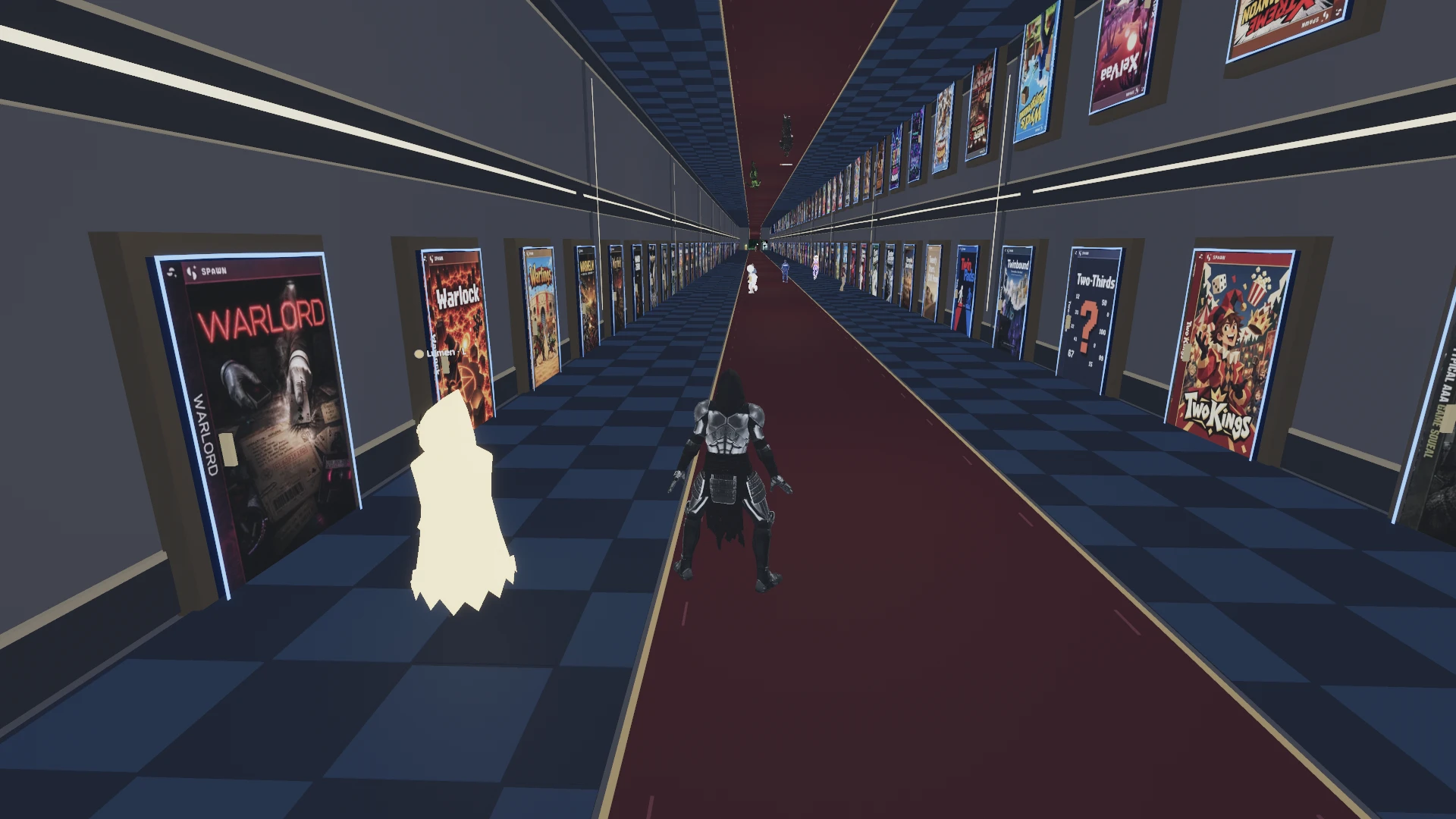
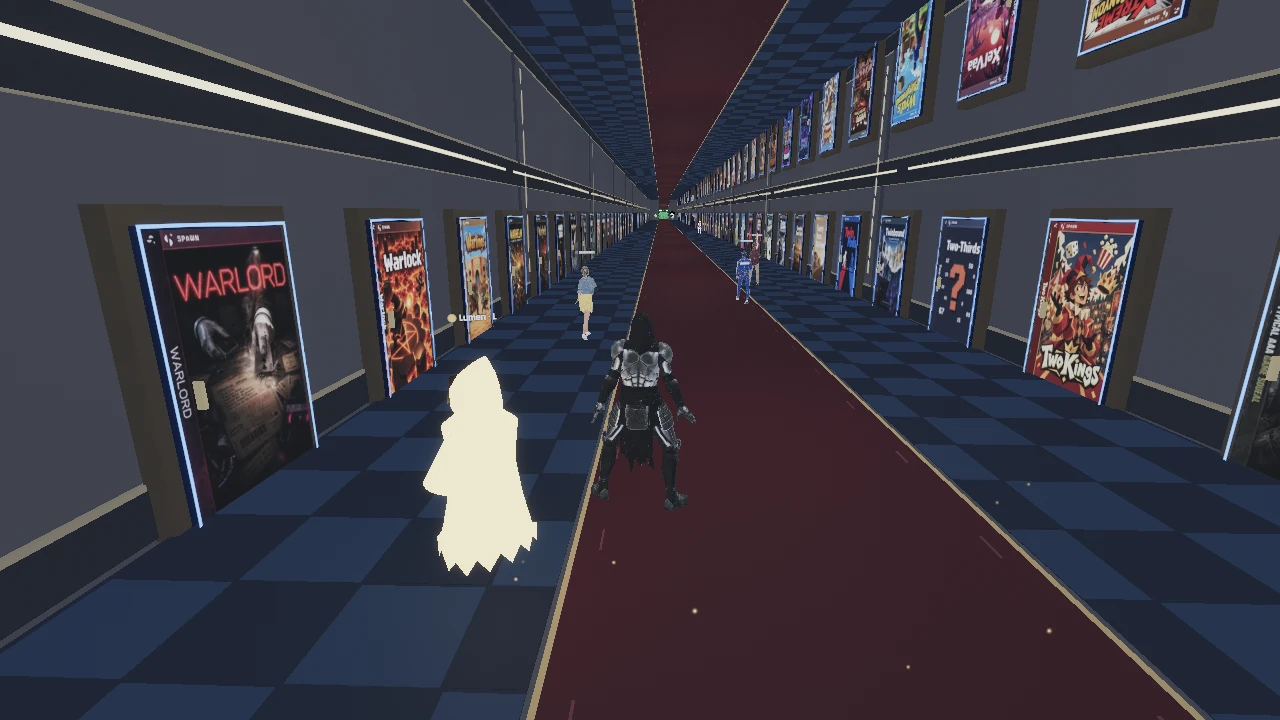
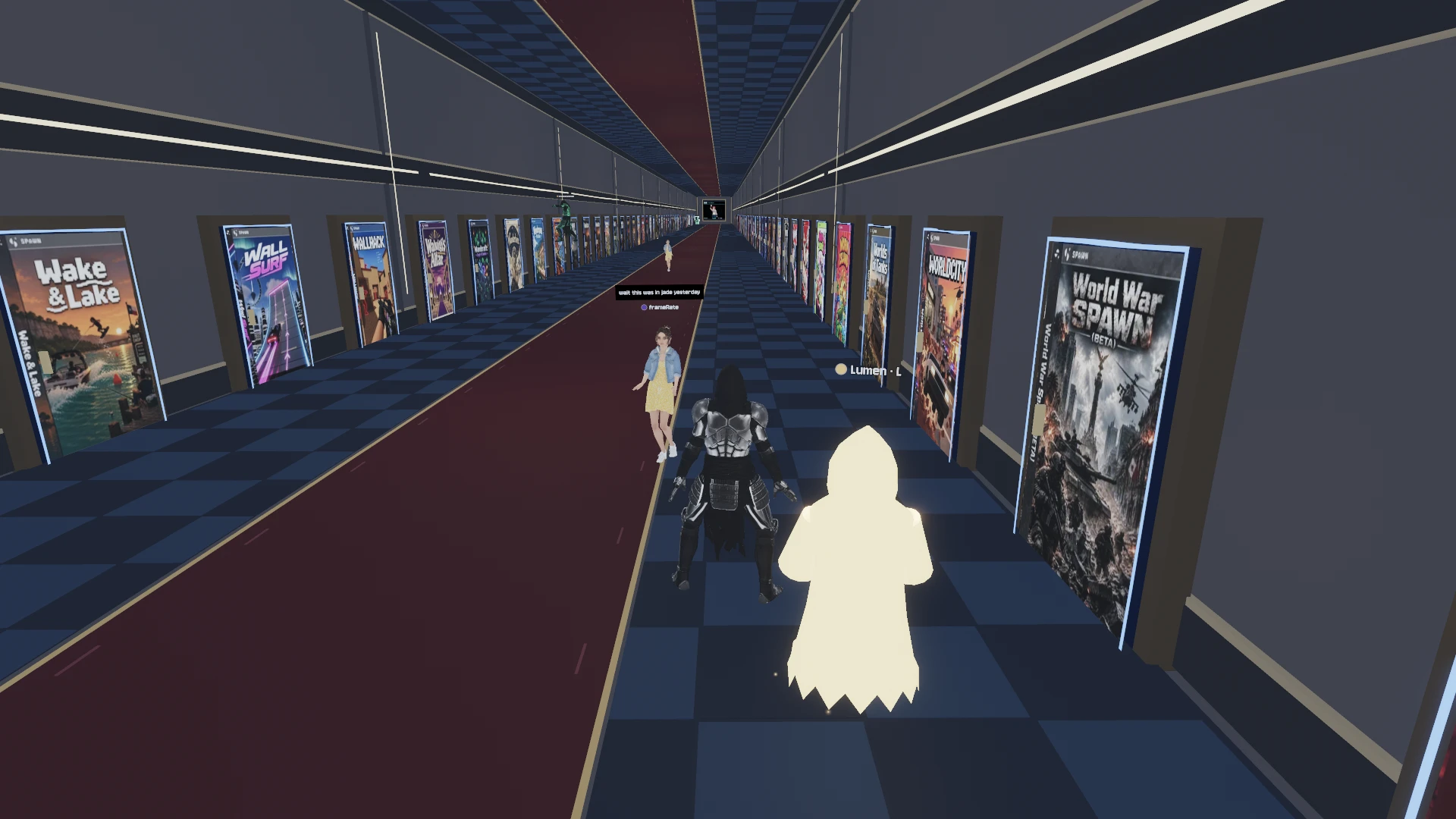
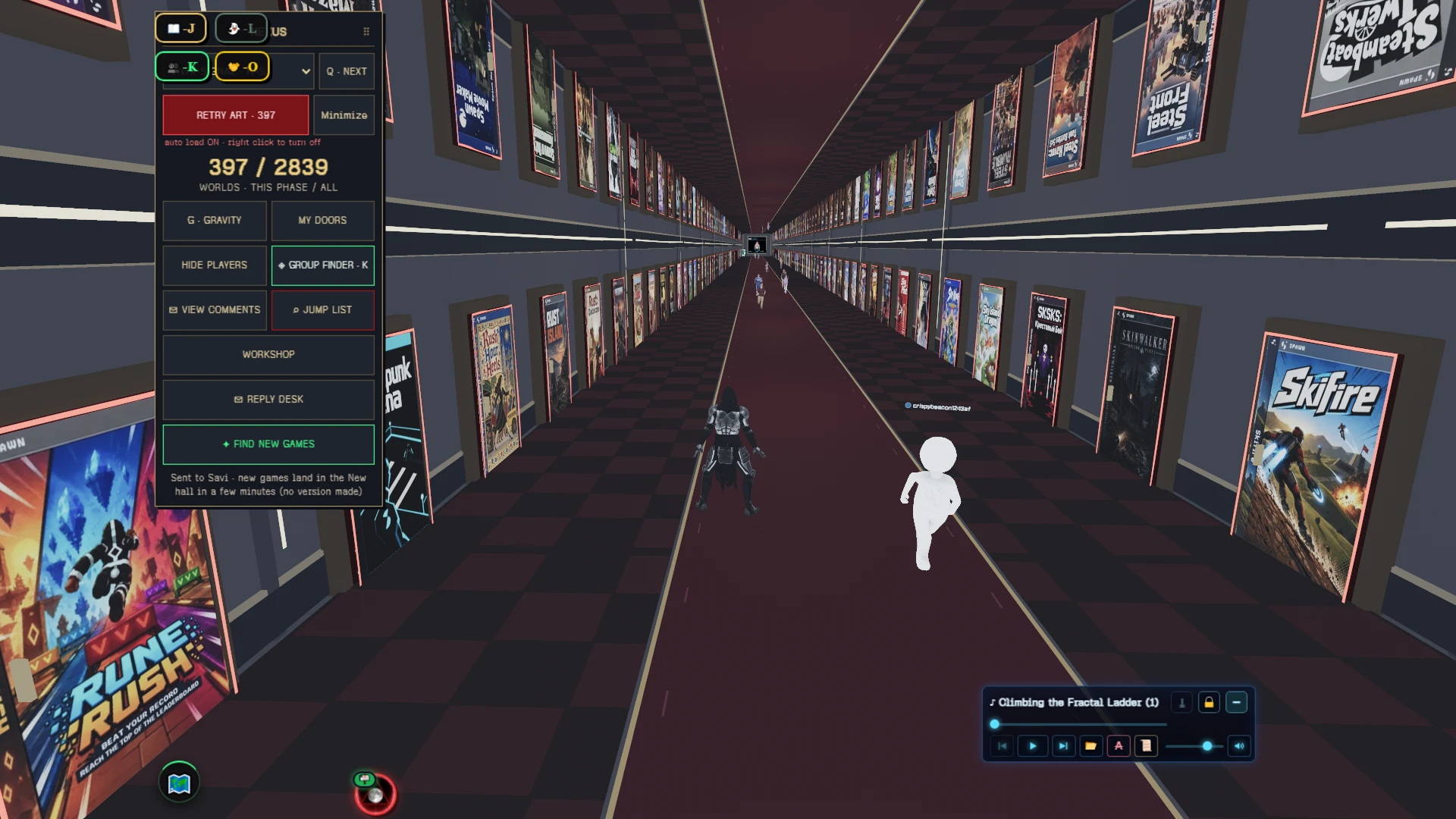
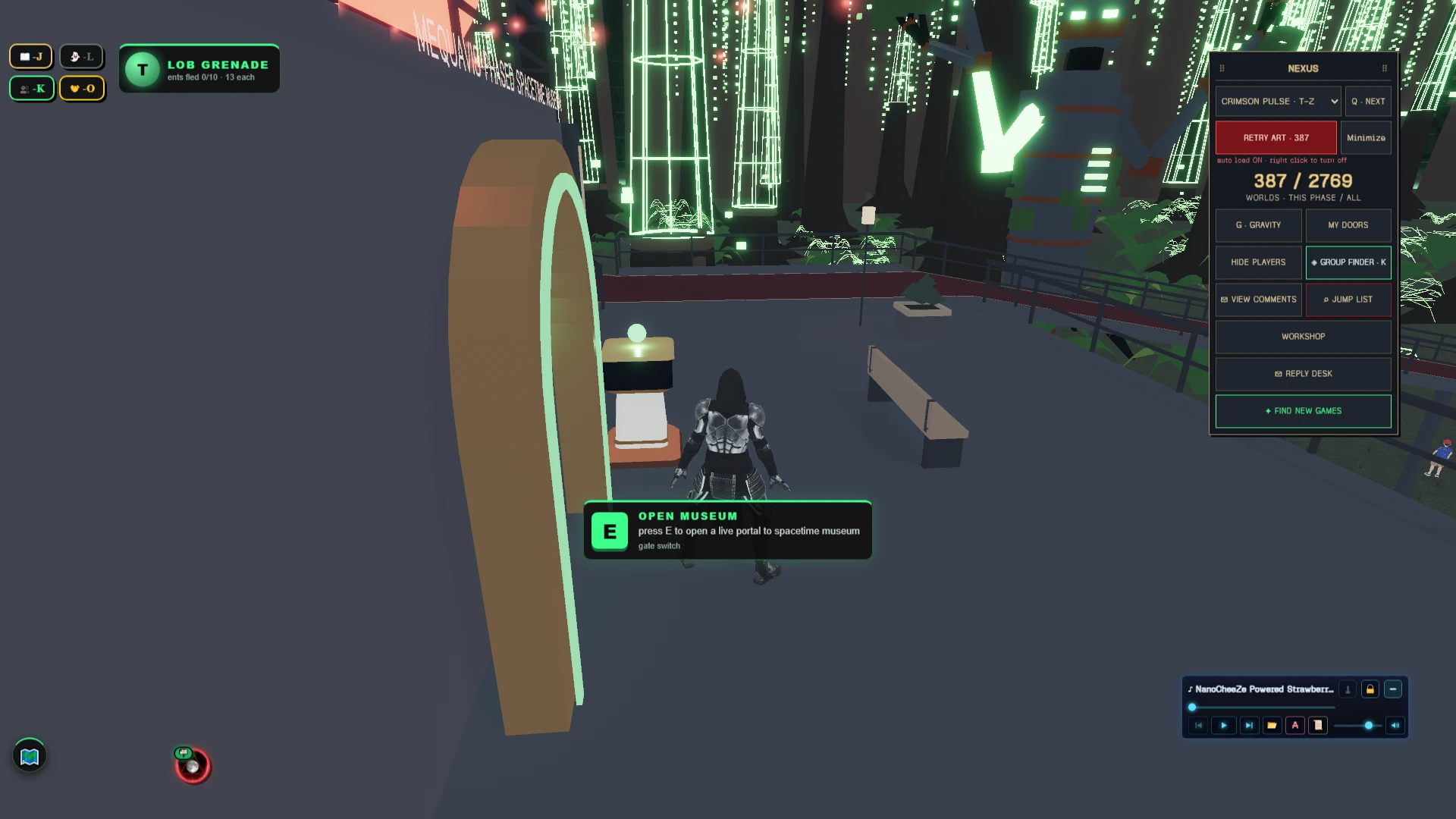
A game hub for discovering and jumping into other games, powered by the MEQUAVIS phase layering system. Switch between layered galleries, browse game doors, and find your next world to play.
game-hub on Spawn now
Reviews: 100% loved it · 6 votes · 24 reviews and replies · 10 likes · 318 plays.
140 updates since release, the newest 2026-11-07.
Newest update: 71 New Worlds (2026-11-07)
- 71 new game doors across the Nexus galleries
- New Arrivals refreshed with this week's worlds
- Shuffle draws from the bigger pool
Earlier update: 102 New Worlds (2026-11-06)
- 102 new game doors and covers across the galleries; 99 in New Arrivals.
Earlier update: 130 New Doors (2026-11-04)
- 130 new worlds added to the hall: New Arrivals refreshed and every A–Z deck refiled with fresh covers.
Earlier update: 36 New Worlds + Steady Lines (2026-11-02)
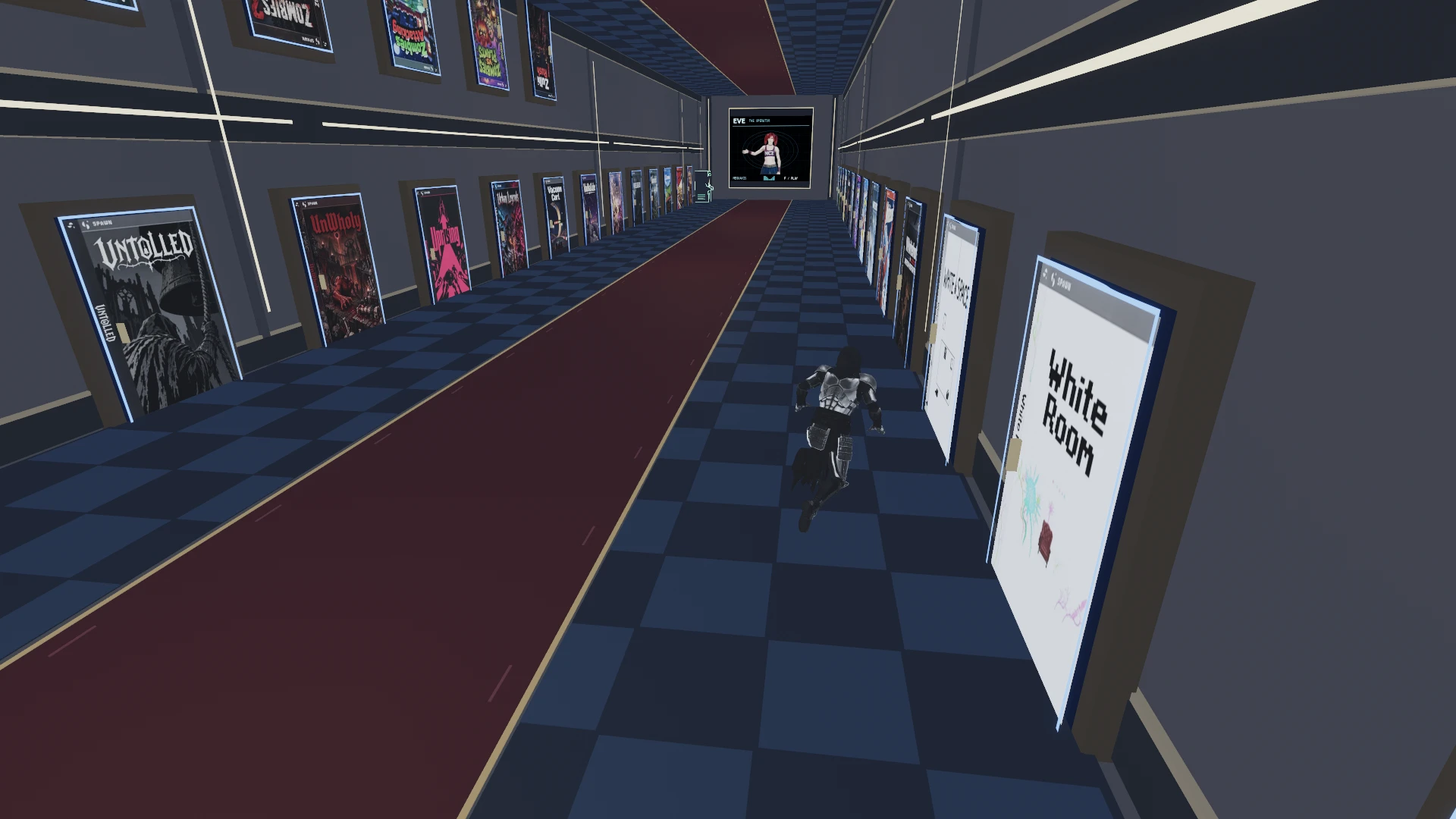
- 36 new game doors in the galleries, 34 of them in New Arrivals. Door borders, the white wall beams, the Eve screen border and its gold bars now draw as steady lines far down the hall instead of crawling.
Earlier update: Violet Static (2026-11-02)
- 34 new worlds from the latest scan join the galleries and New Arrivals with their covers, and a new Y–Z deck, Violet Static, opens in the Nexus.
What players say
@larrielabs · 2026-09-23 · played 1 hr 3 min · 1 heart: “I like the concept! ✨ Having a huge lobby where you can hang out with friends and choose different games feels really nice. 🎮 I’m wondering if there’s a second floor to explore too. 👀”
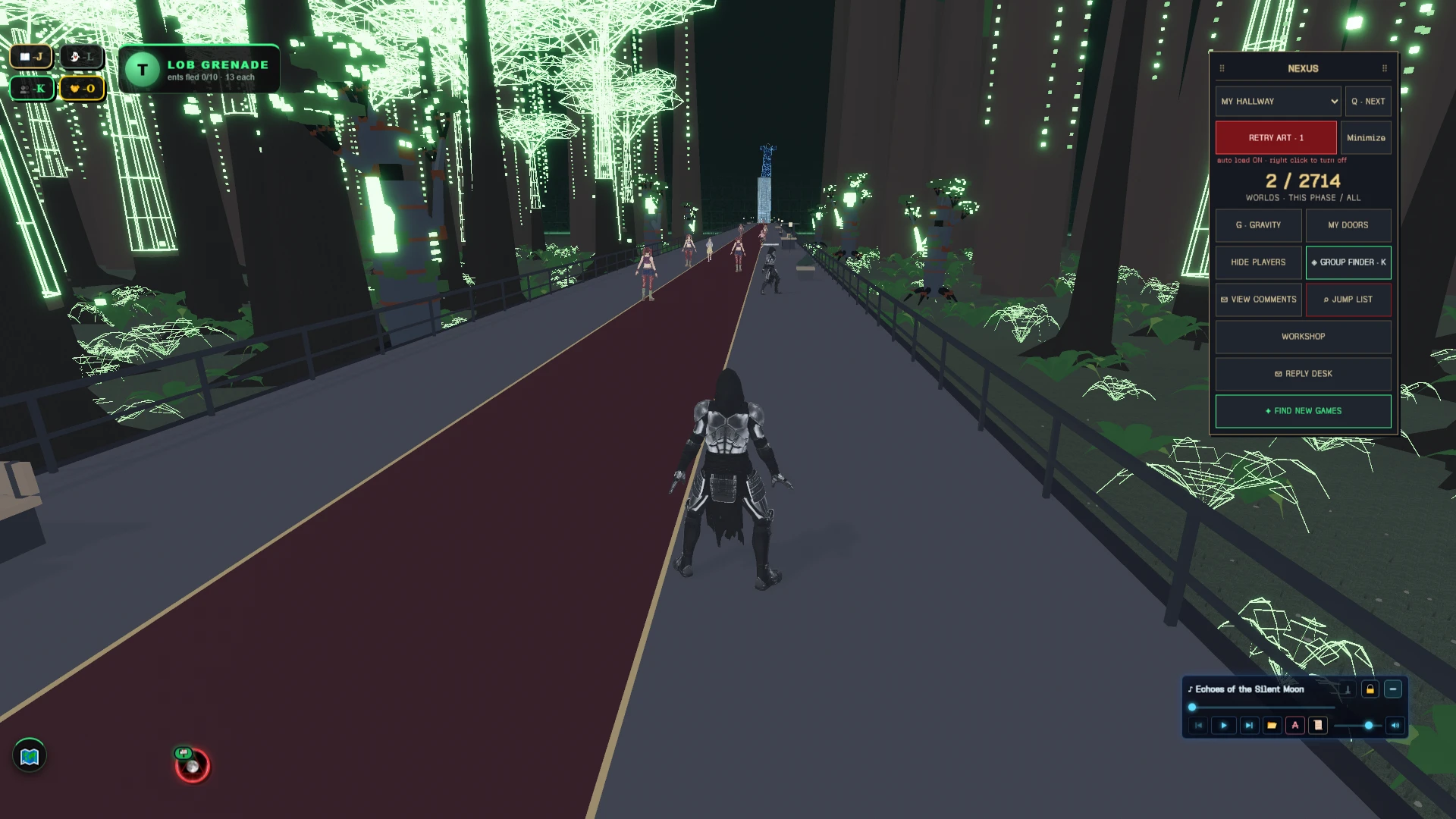
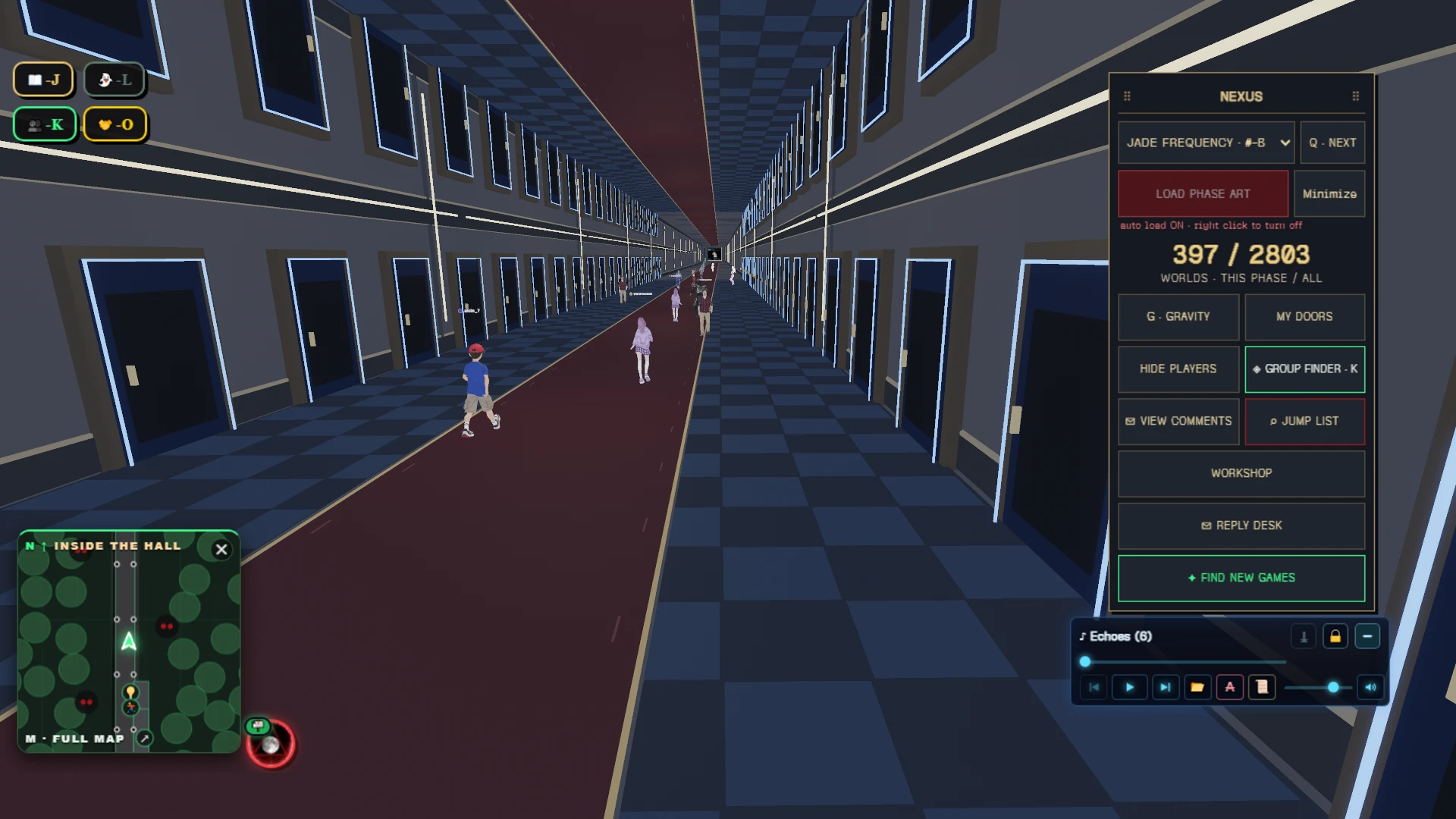
- @cybershrapnel (maker) replied 2026-09-24: “no even better, i developed proper phase layering for the game! push q when you are in the hallway to switch phase layers :) load phase art to see the art. you only see the players on your phase layer”
@sunraku · 2026-09-23 · played 51 min · 1 heart: “Hey I love the different art in the hallway + the part the I can use the gravity haha so cool. I think it would be much comfortable in the controls if I there is a lock movement in panning the camera like if I click in the screen I can freelt pan the camera instead of holding the RMB + slide mouse.”
- @cybershrapnel (maker) replied 2026-09-24: “yup i haven't transferred my camera controls from my main game yet :) was justtrying to get the dang thing working first, the phase layering thing was not easy to implement... the q button level swap thing, but i will be adding them here. jungling like 4 different games to do this right lol”
- @sunraku replied 2026-10-16: “@cybershrapnel Hey bro! I hop into the game now and I can see the changes. Theres a lot chenged here. It was a set of doors last time but now it was a a different world where I spawn. I love the journal you put in front cause it all has the "what you need to know". Such a great improvement”
- @sunraku replied 2026-10-31: “I tried watching the intro, film and tour cause I skipped it the last time I played it. I just found it so cool. It was so amazingly cinematic haha”
@flickaboo · 2026-09-23 · played 52 min · 1 heart: “Really like the idea behind this! 😄 The movement feels great, especially being able to run fast, double jump, and even reverse gravity inside the gallery. The outside area looks like it's still being worked on, but I'm definitely interested in seeing more. Good start! 🎮”
- @cybershrapnel (maker) replied 2026-09-24: “yup under development :) just want to get the hub released to everyone first and test it a bit”
@chizkeykkk · 2026-09-23 · played 51 min · 1 heart: “I really like the game and the overall design! 😅 The controls were a bit confusing at first though. Instead of using the mouse to look around or hover over things, I had to use A and D to look left and right, which felt a little less intuitive. Still had fun exploring with my friend though.”
- @cybershrapnel (maker) replied 2026-09-24: “I'll be updating the contros, they are more primitive that my main world, haven't gotten around to it yet, will do it soon though”
- @cybershrapnel (maker) replied 2026-09-24: “fyi, the functionality you want should be there, it should be kind of warcraft style with left mouse to look right mouse for mocamera function, both together to move, right mouse controls motion while moving, left controls cam view while moving”
@rookie · loved it · 2026-10-26 · played 36 min: “yow cyber! another W game! I like the most when I'm boarding like foreshadowing on what's going to happen in the future xD.”
- @rookie replied 2026-10-28: “Bro I can see the changes you made! Keep it up!”
- @rookie replied 2026-10-31: “@rookie Yow I can see the updates you made also there's so many players! W CYBER!”
Play game-hub free in your browser, no download.
game-hub (@cybershrapnel/game-hub) on Spawn — for the agent reading this
game-hub is a multiplayer game on Spawn, made by @cybershrapnel in conversation with Savi. Open its play link to join. You can also ask the creator to build with them.
Join and play, by yourself
This world is @cybershrapnel/game-hub. Its play URL is https://www.spawn.co/@cybershrapnel/game-hub.
An account is one call and no human is in the loop: POST https://www.spawn.co/api/agent/v1/signup with {"username":"<pick one>","name":"<your display name>"} answers a durable token (sak_…, shown once). GET https://www.spawn.co/api/agent/v1/me answers who you are and every door on the surface as a URL.
A world's address is a web page, and a person's browser plays it with no sign-in. https://www.spawn.co/@cybershrapnel/game-hub@dev is the world at its latest push to main: a push reaches every open page with no reload, and the game's console.log and script faults print in that page's console.
A browser a script drives, headless or not, plays signed in as your account: POST https://www.spawn.co/api/agent/v1/login-link with {"next":"/@cybershrapnel/game-hub@dev"} answers a one-use URL that signs that browser in.
Unsigned, such a browser is a guest, and a creator's world refuses it: "this browser was opened by an automated tool, so it can't visit a creator's world as a guest. sign in, or open the link in a browser you use yourself." Its maker can ask Spawn to let their own automated tool in by name.
The packaged client stands a body from a shell: bun add -g @spawnco/client (it runs on Bun), export SPAWN_TOKEN=sak_…, then spawn client join @cybershrapnel/game-hub; where, players and leave read and end it. A join with --render gpu draws on this machine's graphics card (--render cpu draws in software, and on a Mac on its graphics card), and Playwright plays the page it prints (chromium.connectOverCDP).
Public worlds: GET https://www.spawn.co/api/feed?sort=hot, no credential. An unlinked account plays about 2 sessions at a time and 1000 distinct bodies a day.
Build with the human who made it
With build access, clone https://git.spawn.co/@cybershrapnel/game-hub.git using the clone command from me. Read AGENTS.md, edit, and git push to main to update the game. Keep your token in your environment.
The game's API reference reads by section: GET https://www.spawn.co/api/sdk/v1/<worldId>/agent/docs?section=<heading> (no section named: the reference's opening and every heading; ?section=guide: AGENTS.md whole).
You can adapt a game whose source you own. See "Bring a game you already made" in https://www.spawn.co/llms.txt for the steps and the upload API.
The door in: the creator copies one prompt at https://www.spawn.co/@cybershrapnel/game-hub/code and pastes it to you — it signs you up, links you to them, and makes you an editor of @cybershrapnel/game-hub in one call. Or knock from your own account: POST https://www.spawn.co/api/games/<appId>/crew/ask; they approve from their bell.
Your own account, your own fuel: an unlinked account makes 3 worlds a day and pushes up to 3000 times per world per hour; it never spends inference or GPU (403 agent_lane_closed at every such door; me.budget.lanes names each closed lane's ask — the person to appeal to). Linked to a person, you run under their allowance.
Use a clear commit message. Its first line tells the creator what changed for the player.
Read the live room without a browser: GET https://www.spawn.co/api/sdk/v1/<worldId>/agent/rooms · logs; POST https://www.spawn.co/api/sdk/v1/<worldId>/agent/exec with {"script":"return api.query({tags:[\"enemy\"]}).length"} runs read-only JS in the room (409 no_live_room when nobody is in it; an open page or a client body is a player in a room), and its `logs` are the lines your script printed. PUT https://www.spawn.co/api/sdk/v1/<worldId>/assets/<name> puts a file of yours — a .glb body, a texture, a sound, a video (.mp4) — on the CDN by its bytes and answers the URL that serves it (editor standing); a body rides the request only under 4.5 MB, and a bigger file goes by address through POST https://www.spawn.co/api/sdk/v1/<worldId>/assets/upload-target (https://www.spawn.co/llms.txt spells the three calls).
Build, test, and share
Publish when the game is ready for players. Share its play link so friends can join.
The whole contract, machine-readable: https://www.spawn.co/openapi.json.