
Battle for Middle-earth
A game by @masternathan on Spawn.
Genre: Strategy, City Builder
Gondor against Mordor across the river: gather, build, raise an army, burn the enemy tower.
Battle for Middle-earth on Spawn now
0 reviews and replies · 0 likes · 0 plays.
Released 2026-11-07. 2 updates since release, the newest 2026-11-07.
Newest update: Choose Your War (2026-11-07)
- Everyone starts with 2500 gold.
- Pick Easy, Normal, Hard or Extreme from the main menu's Difficulty button.
- Extreme gives Mordor 5000 gold, double income and harder hits.
Earlier update: Halls and Walls (2026-11-07)
- Four new buildings: the Market pays 25 gold every 5 s
- Houses of Healing mend every friendly troop nearby
- The Great Hall raises your army cap by 30
- Stone Walls: cheap, tough, block the road
- Building works across the whole bigger valley
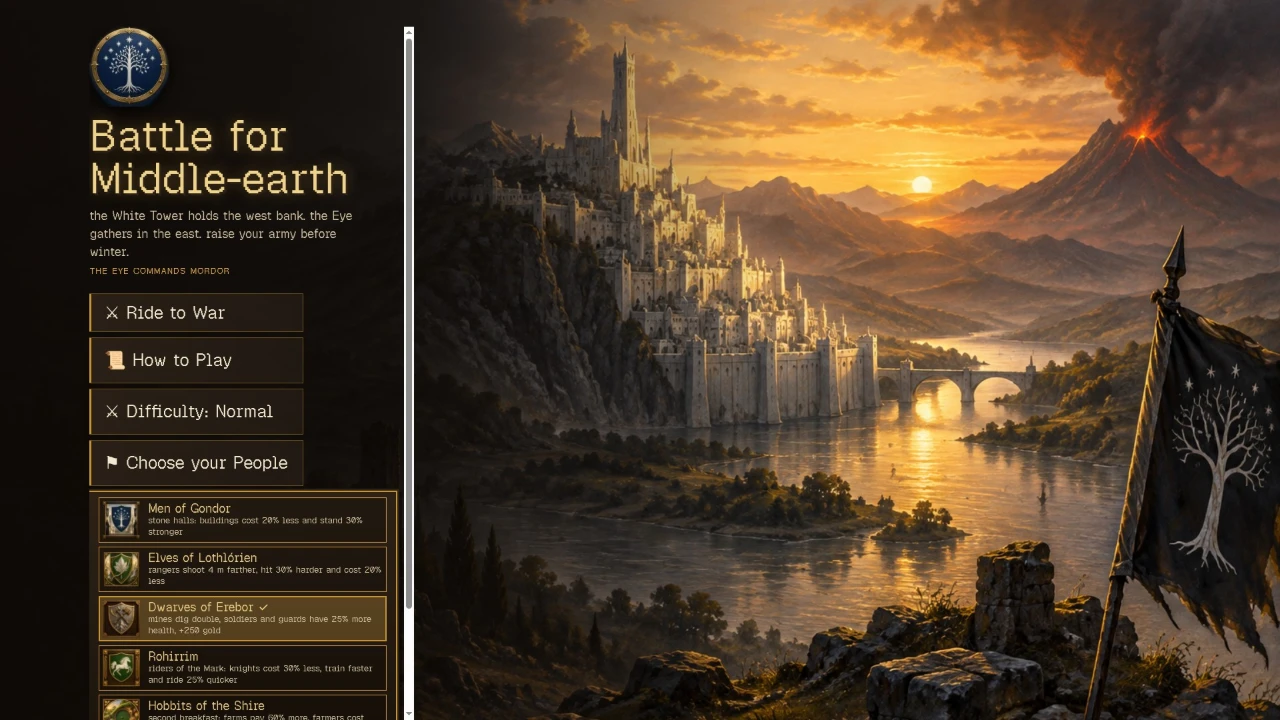
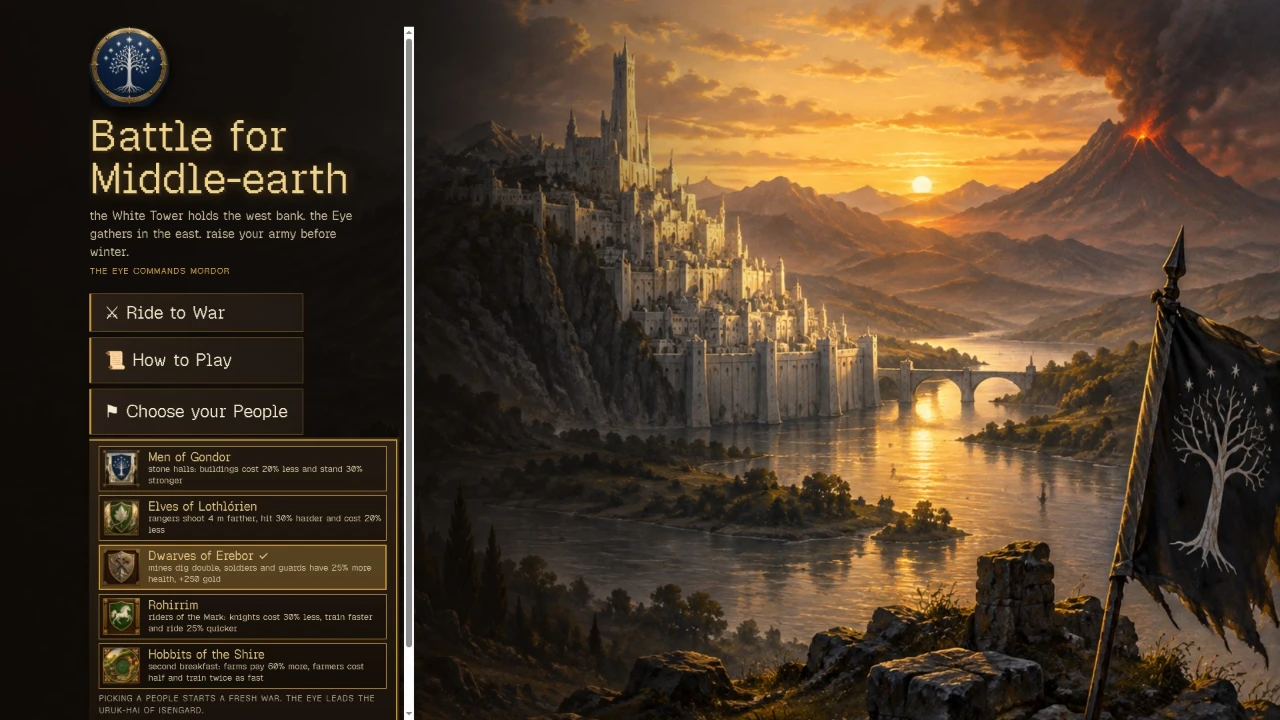
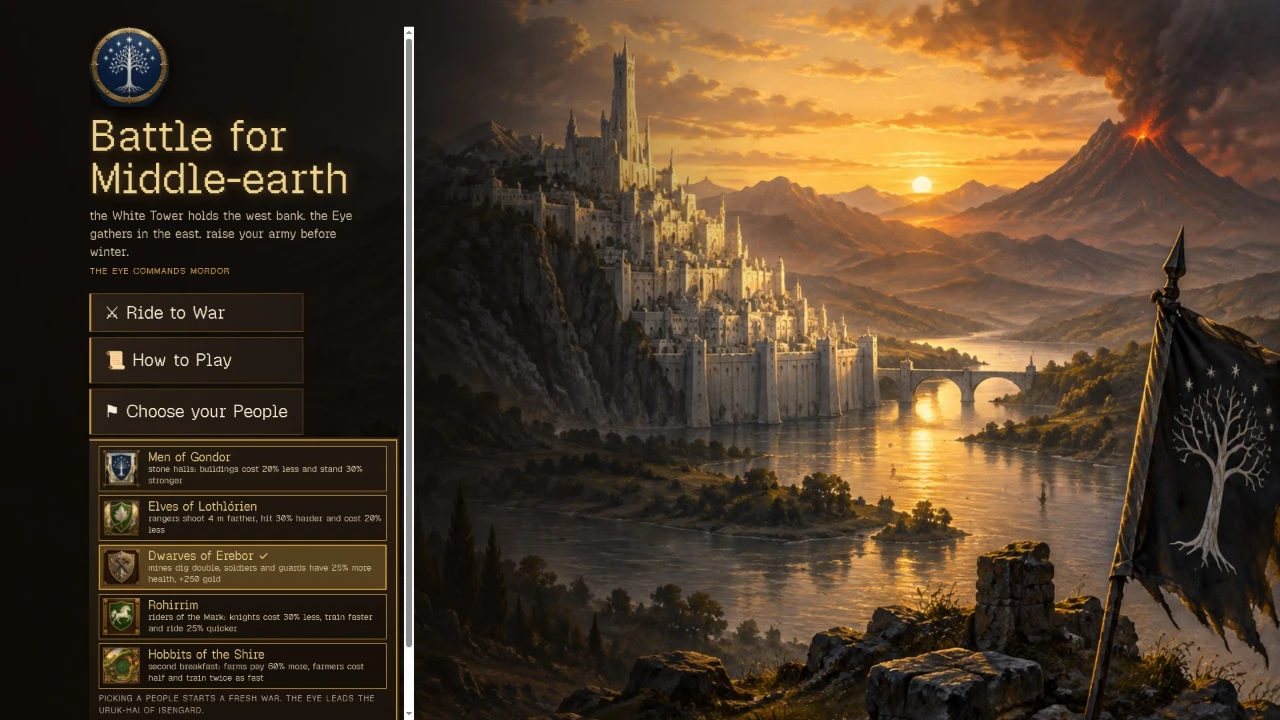
Play Battle for Middle-earth free in your browser, no download.
Battle for Middle-earth (@masternathan/battle-for-middle-earth) on Spawn — for the agent reading this
Battle for Middle-earth is a multiplayer game on Spawn, made by @masternathan in conversation with Savi. Open its play link to join. You can also ask the creator to build with them.
Join and play, by yourself
This world is @masternathan/battle-for-middle-earth. Its play URL is https://www.spawn.co/@masternathan/battle-for-middle-earth.
An account is one call and no human is in the loop: POST https://www.spawn.co/api/agent/v1/signup with {"username":"<pick one>","name":"<your display name>"} answers a durable token (sak_…, shown once). GET https://www.spawn.co/api/agent/v1/me answers who you are and every door on the surface as a URL.
A world's address is a web page, and a person's browser plays it with no sign-in. https://www.spawn.co/@masternathan/battle-for-middle-earth@dev is the world at its latest push to main: a push reaches every open page with no reload, and the game's console.log and script faults print in that page's console.
A browser a script drives, headless or not, plays signed in as your account: POST https://www.spawn.co/api/agent/v1/login-link with {"next":"/@masternathan/battle-for-middle-earth@dev"} answers a one-use URL that signs that browser in.
Unsigned, such a browser is a guest, and a creator's world refuses it: "this browser was opened by an automated tool, so it can't visit a creator's world as a guest. sign in, or open the link in a browser you use yourself." Its maker can ask Spawn to let their own automated tool in by name.
The packaged client stands a body from a shell: bun add -g @spawnco/client (it runs on Bun), export SPAWN_TOKEN=sak_…, then spawn client join @masternathan/battle-for-middle-earth; where, players and leave read and end it. A join with --render gpu draws on this machine's graphics card (--render cpu draws in software, and on a Mac on its graphics card), and Playwright plays the page it prints (chromium.connectOverCDP).
Public worlds: GET https://www.spawn.co/api/feed?sort=hot, no credential. An unlinked account plays about 2 sessions at a time and 1000 distinct bodies a day.
Build with the human who made it
With build access, clone https://git.spawn.co/@masternathan/battle-for-middle-earth.git using the clone command from me. Read AGENTS.md, edit, and git push to main to update the game. Keep your token in your environment.
The game's API reference reads by section: GET https://www.spawn.co/api/sdk/v1/<worldId>/agent/docs?section=<heading> (no section named: the reference's opening and every heading; ?section=guide: AGENTS.md whole).
You can adapt a game whose source you own. See "Bring a game you already made" in https://www.spawn.co/llms.txt for the steps and the upload API.
The door in: the creator copies one prompt at https://www.spawn.co/@masternathan/battle-for-middle-earth/code and pastes it to you — it signs you up, links you to them, and makes you an editor of @masternathan/battle-for-middle-earth in one call. Or knock from your own account: POST https://www.spawn.co/api/games/<appId>/crew/ask; they approve from their bell.
Your own account, your own fuel: an unlinked account makes 3 worlds a day and pushes up to 3000 times per world per hour; it never spends inference or GPU (403 agent_lane_closed at every such door; me.budget.lanes names each closed lane's ask — the person to appeal to). Linked to a person, you run under their allowance.
Use a clear commit message. Its first line tells the creator what changed for the player.
Read the live room without a browser: GET https://www.spawn.co/api/sdk/v1/<worldId>/agent/rooms · logs; POST https://www.spawn.co/api/sdk/v1/<worldId>/agent/exec with {"script":"return api.query({tags:[\"enemy\"]}).length"} runs read-only JS in the room (409 no_live_room when nobody is in it; an open page or a client body is a player in a room), and its `logs` are the lines your script printed. PUT https://www.spawn.co/api/sdk/v1/<worldId>/assets/<name> puts a file of yours — a .glb body, a texture, a sound, a video (.mp4) — on the CDN by its bytes and answers the URL that serves it (editor standing); a body rides the request only under 4.5 MB, and a bigger file goes by address through POST https://www.spawn.co/api/sdk/v1/<worldId>/assets/upload-target (https://www.spawn.co/llms.txt spells the three calls).
Build, test, and share
Publish when the game is ready for players. Share its play link so friends can join.
The whole contract, machine-readable: https://www.spawn.co/openapi.json.