
The Game of Realms
A game by @pkjake on Spawn.
Genre: RPG, Adventure, MMO, Strategy
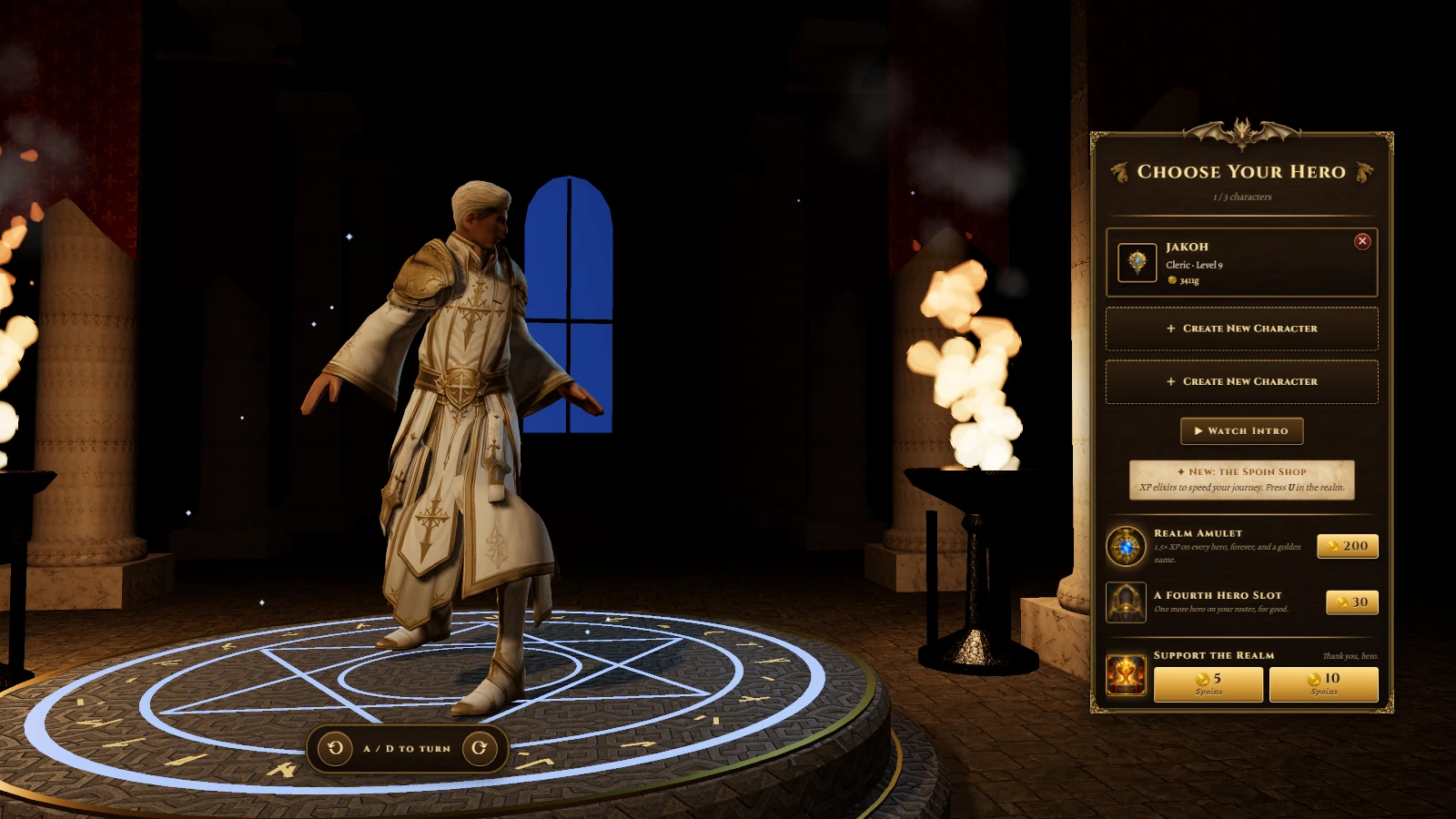
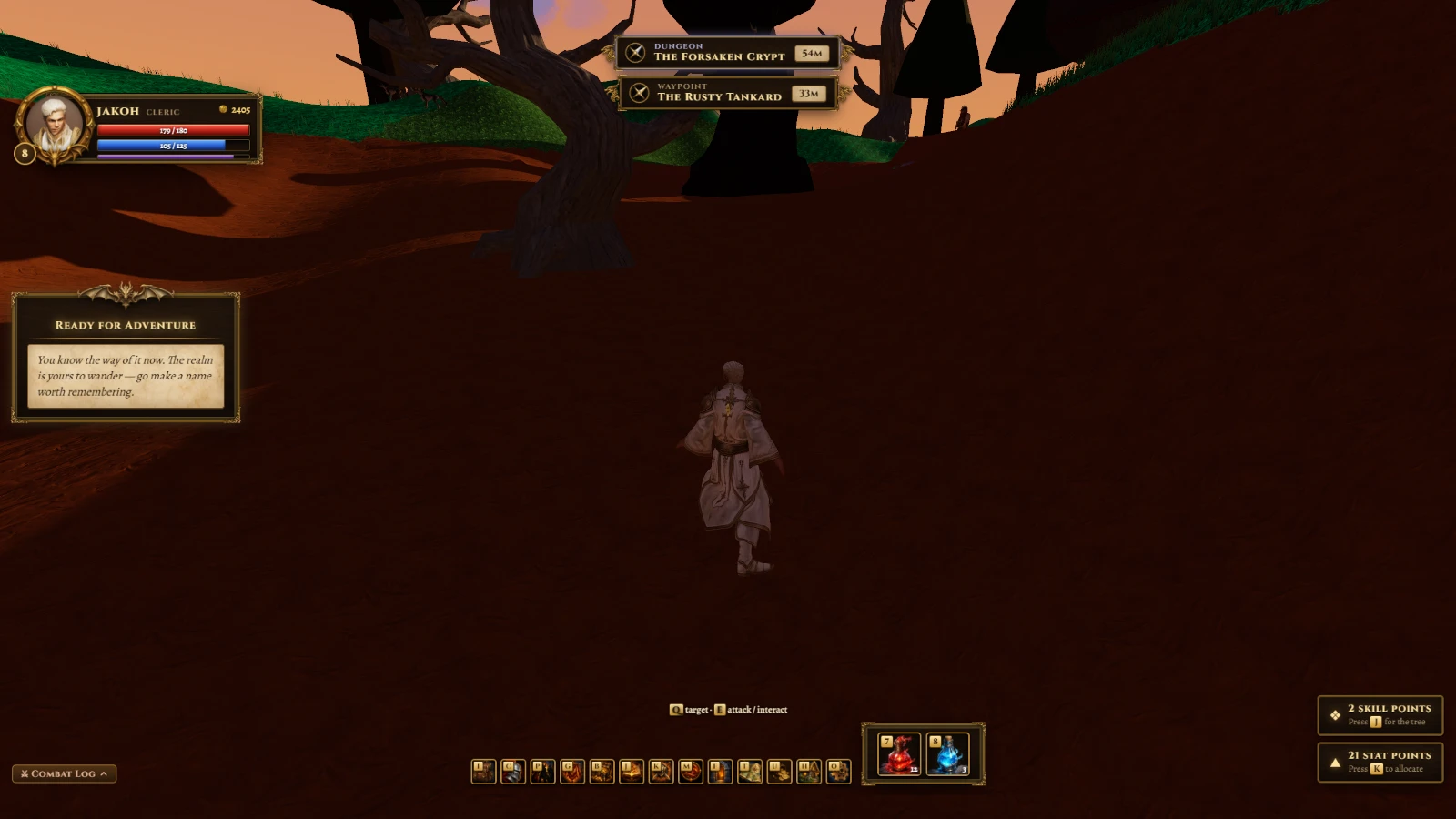
Gather, craft, and ride into holiday dungeons for legendary loot. Team up for turn-based battles where every elemental choice matters.
The Game of Realms on Spawn now
Reviews: 20% loved it · 5 votes · 5 reviews and replies · 2 likes · 60 plays.
Released 2026-06-04. 21 updates since release, the newest 2026-10-08.
Newest update: Back to basics. (2026-10-08)
- Every class's skill tree grows two tiers deeper, with a new capstone ability at the very bottom of each branch.
- Drag any skill from your tree onto hotbar keys 1–6 to build your own loadout, and it saves with your character.
- Drop items from your bag as a loot satchel for friends to pick up—no more inventory full, no more item loss.
- Hovering over socketed gems in your gear now shows exactly what each one gives you.
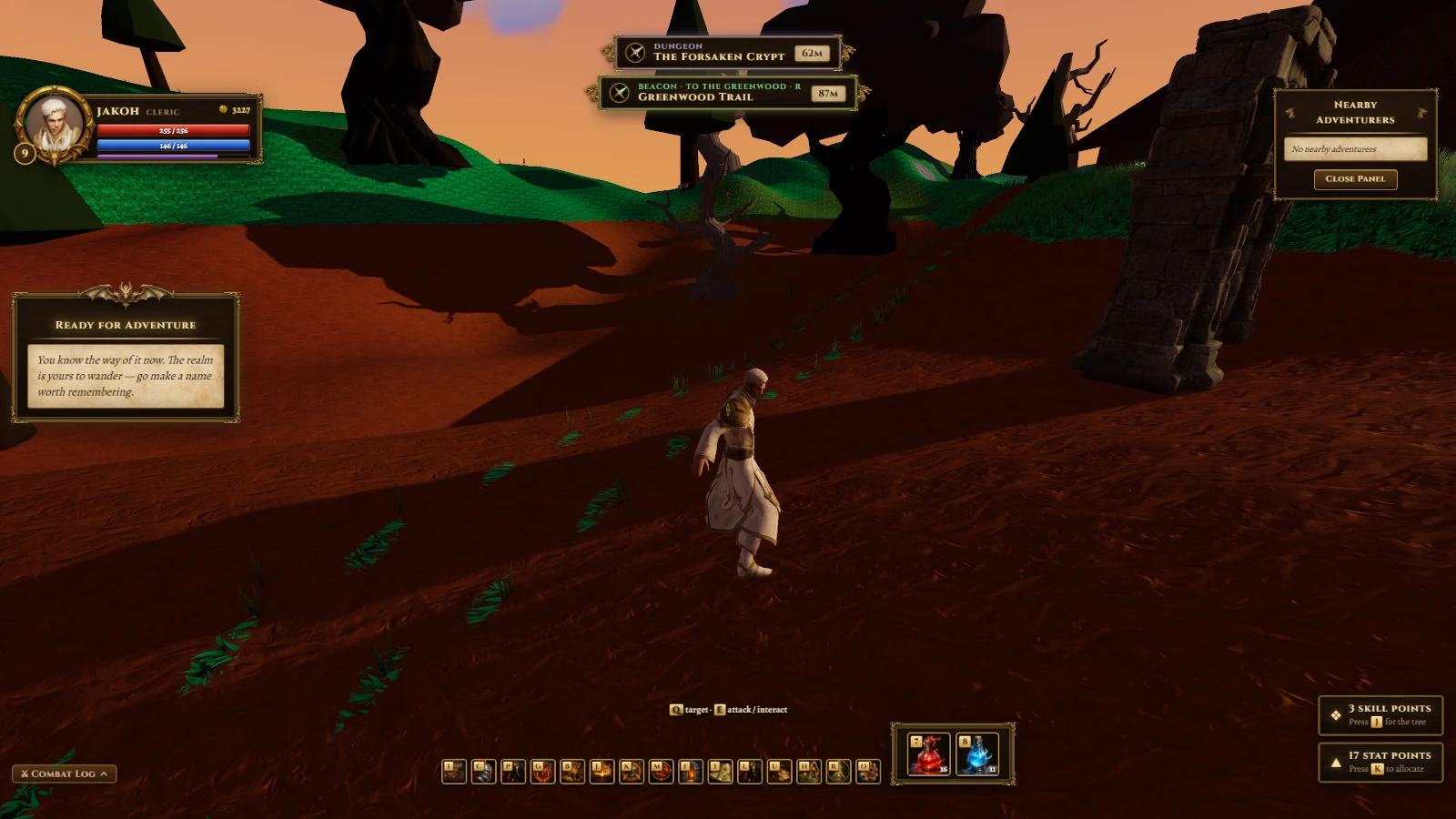
- Potion belt on keys 7, 8, and 9: pick any potion from your bag and assign it to a key to drink on demand.
Earlier update: Initiative & Allies (2026-10-07)
- Fights now roll for initiative—heroes and monsters act in d20 order, each taking their own turn.
- An initiative tracker beneath the foe's name shows who acts next, with the active turn glowing.
- Click any ally's name in the fight panel or tracker to target them with heals and buffs.
- Dungeon monsters stay dead for the whole run, even if you leave and come back.
- Pressing Enter no longer freezes your hero mid-fight.
Earlier update: A Realm Reborn (2026-10-07)
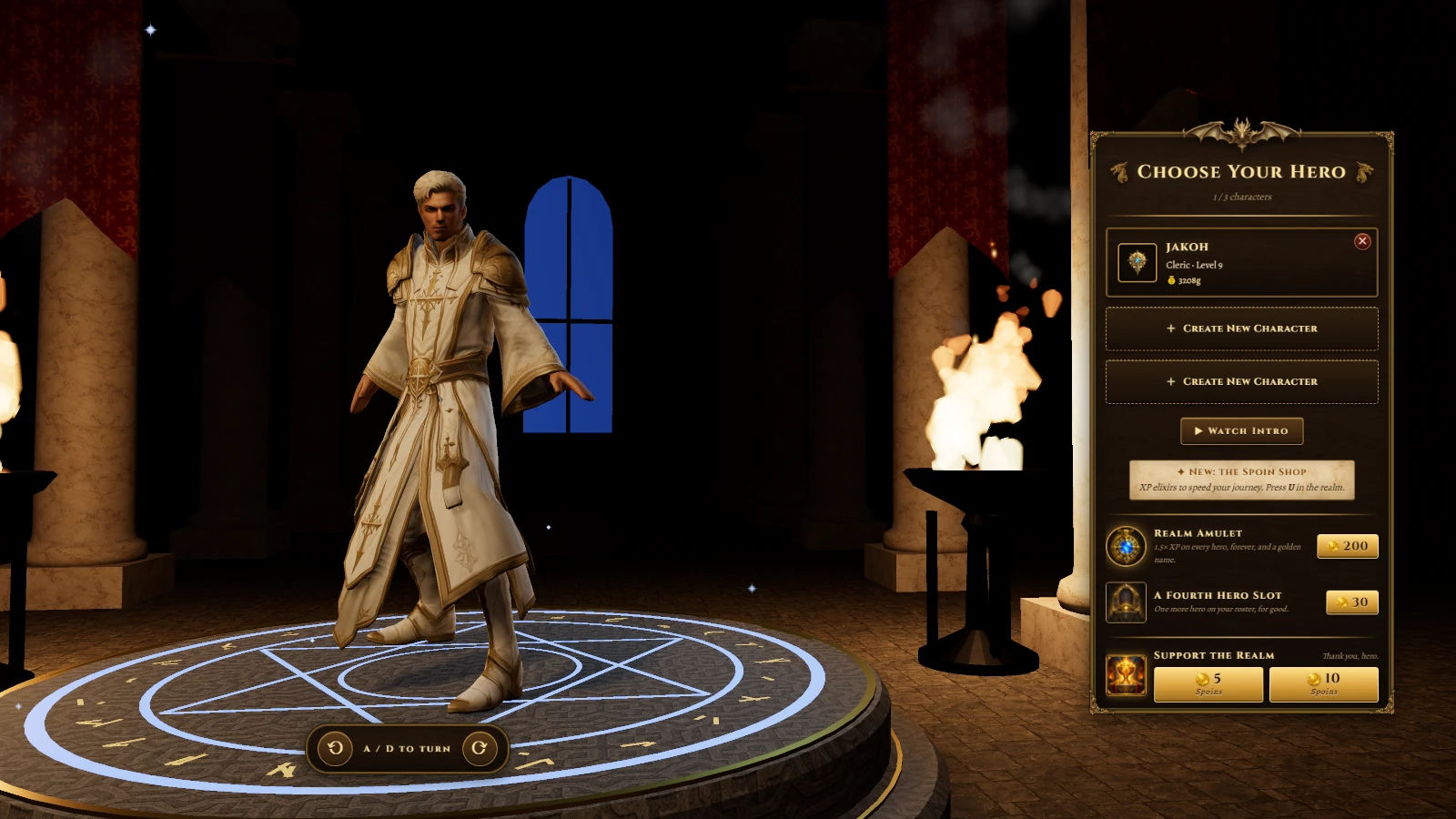
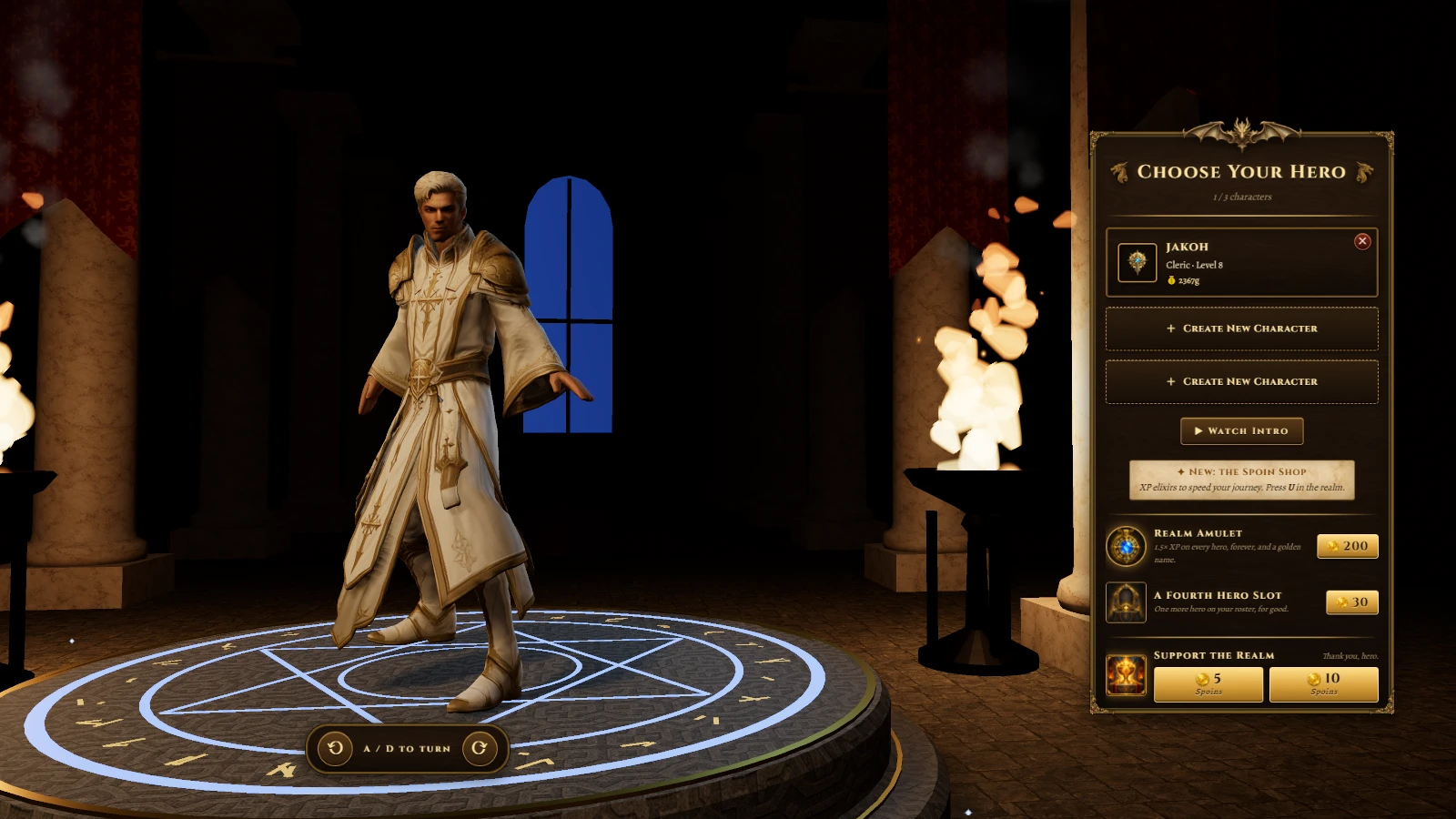
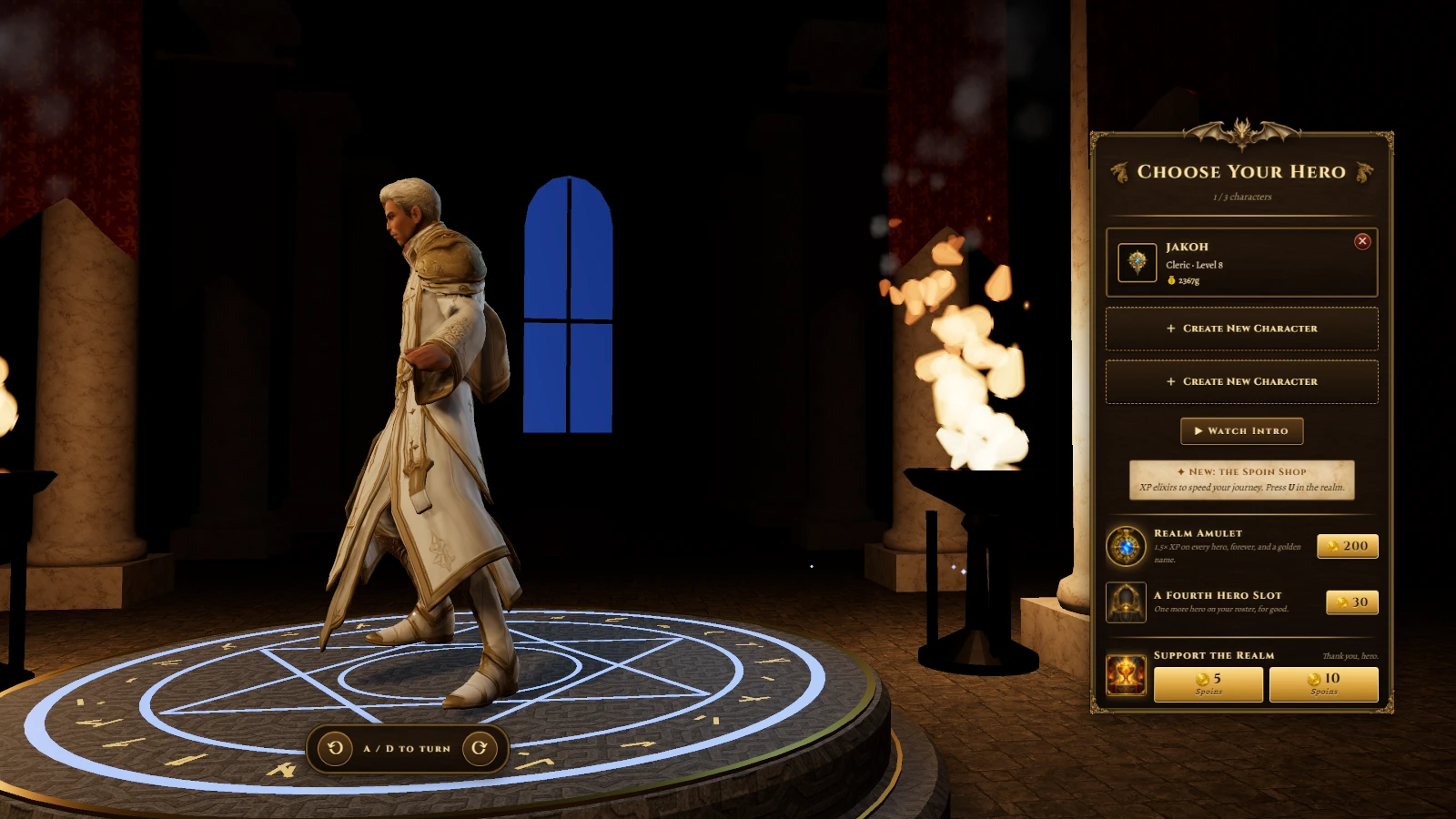
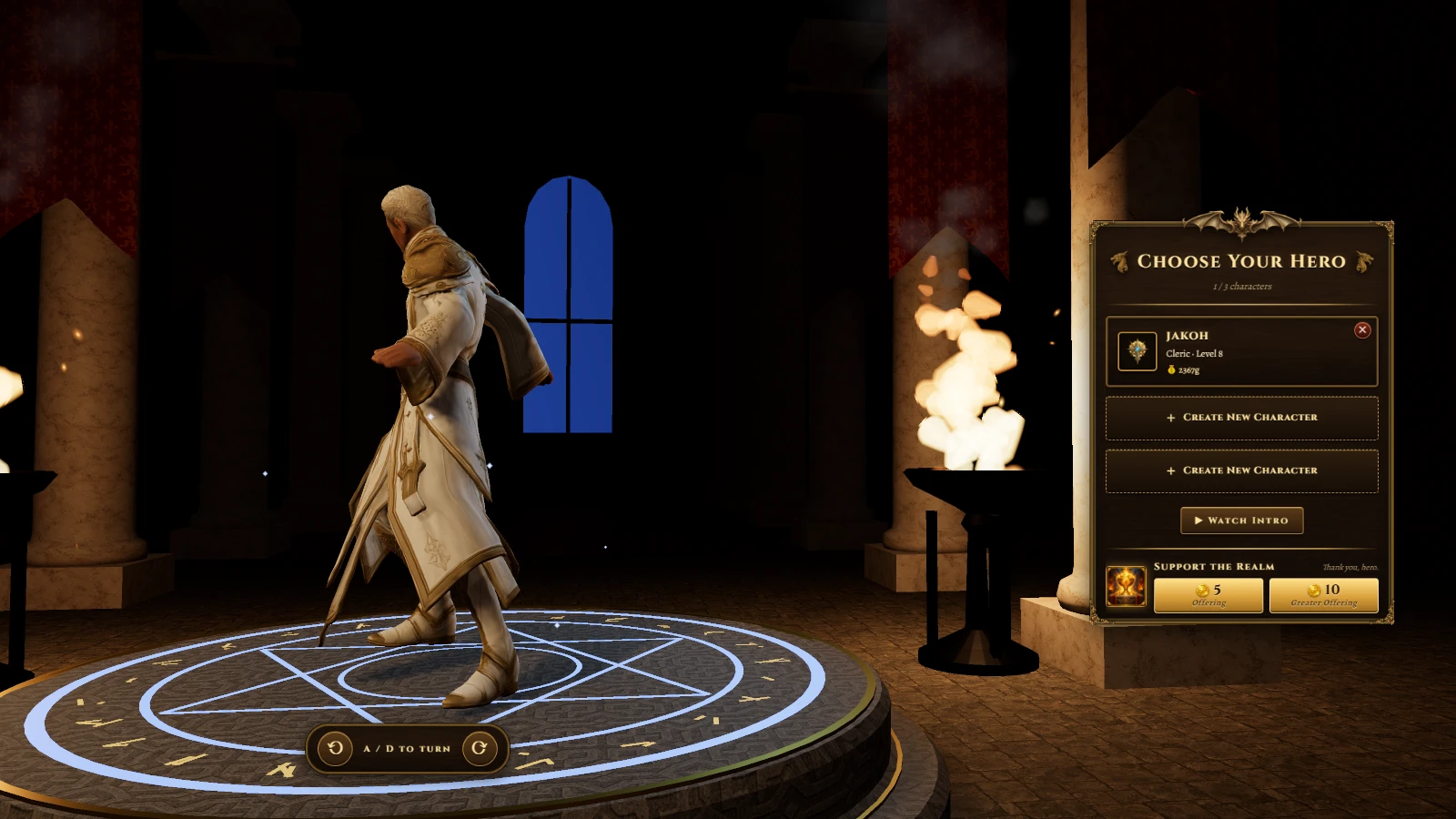
- Your character now has a Build slider in creation—forge them slender, broad, or brawny, and the choice follows them forever.
- Press R to cycle a beacon through towns, dungeons, resource spots, and hunting grounds; a pillar of light marks each waypoint.
- Right-click any hero to follow them, invite them to your party, or recruit them to your guild; the menu tolerates a little mouse wobble.
- Press L to open your Friends ledger—see where your companions stand across the Realms and travel straight to their side.
- One press of the Sort button tidies your bag: gear first by rarity, then potions, gems, and materials, with stacks merged and empty slots cleared.
Earlier update: Vale Restocked (2026-10-06)
- The enemies that roam the Vale now persist — they'll be there waiting when you return.
Earlier update: The Vale Awakens (2026-10-06)
- Slay a goblin, wolf, or slime in the Vale—it fades, then rises again a minute later on the same spot.
- Fallen monsters stay down until they recover; you can't fight them while they're recovering.
- Skeletons now patrol the Vale camps alongside goblins, wolves, and slimes.
What players say
@makeriffic · needs work · 2026-10-12 · played 19 min: “Movement and gameplay needs a rework. Moving my character feels like driving a car. I have to face where I want to go to move there. There is also no animation for any fights as me and the goblins are standing still while taking each other's damage.”
@parz1val · needs work · 2026-10-06 · played 16 min: “Is this game still a work in progress? It looks really good, and I like the mechanics and quests so far. They just need a little more polishing, and the camera controls could use some improvement too. I’m enjoying the game so far!”
@kaya · needs work · 2026-10-06 · played 34 min: “hey! so i was doing the tutorial, and im on step 4 where i need to kill two goblins. i went to the goblin area, and only found one of them, and i tried looking for another one but i couldn't find any.”
- @kaya replied 2026-10-06: “I would've loved to try out the battle mechanics. I thought it was your regular MMO style battle, but it turned out to be quite unique!”
- @kaya replied 2026-10-08: “@kaya update seems to have fixed the issue! im appreciating the duel mechanic even more. this is such a unique mechanic for mmos so its really new to me hahaha. the UI looks very small though, would be great if there was a way to scale it into something bigger”
@yzykyl · needs work · 2026-10-06 · played 23 min: “I followed the getting started guide while doing my first quests. However, I'm already past killing the goblins and I'm even already in the weaponsmith quest from Elara. The "battle a monster" won't complete even when I killed another goblin.”
- @yzykyl replied 2026-10-06: “This is a small concern but it does take up space and cover the quest tab on the left. I also don't wanna skip guide and miss out on the 5th part of the guide.”
@lego · loved it · 2026-10-05 · played 55 min: “This is really interesting! I know you're still cooking with this game, but I can't find Sunpetal for The Healer's Garden quest. I also found Cave Slimes that I can't fight/interact, and now I'm stuck in the area lol”
- @lego replied 2026-10-07: “Thanks for fixing the bugs btw! Keep cooking, man. I'm really looking forward to playing this more!”
Play The Game of Realms free in your browser, no download.
The Game of Realms (@pkjake/the-game-of-realms) on Spawn — for the agent reading this
The Game of Realms is a multiplayer game on Spawn, made by @pkjake in conversation with Savi. Open its play link to join. You can also ask the creator to build with them.
Join and play, by yourself
This world is @pkjake/the-game-of-realms. Its play URL is https://www.spawn.co/@pkjake/the-game-of-realms.
An account is one call and no human is in the loop: POST https://www.spawn.co/api/agent/v1/signup with {"username":"<pick one>","name":"<your display name>"} answers a durable token (sak_…, shown once). GET https://www.spawn.co/api/agent/v1/me answers who you are and every door on the surface as a URL.
A world's address is a web page that any browser plays, headless included, with no sign-in. https://www.spawn.co/@pkjake/the-game-of-realms@dev is the world at its latest push to main: a push reaches every open page with no reload, and the game's console.log and script faults print in that page's console.
The packaged client stands a body from a shell: bun add -g @spawnco/client (it runs on Bun), export SPAWN_TOKEN=sak_…, then spawn client join @pkjake/the-game-of-realms; where, players and leave read and end it. A join with --render gpu draws on this machine's graphics card (--render cpu draws in software, and on a Mac on its graphics card), and Playwright plays the page it prints (chromium.connectOverCDP).
Public worlds: GET https://www.spawn.co/api/feed?sort=hot, no credential. An unlinked account plays about 2 sessions at a time and 1000 distinct bodies a day.
Build with the human who made it
With build access, clone https://git.spawn.co/@pkjake/the-game-of-realms.git using the clone command from me. Read AGENTS.md, edit, and git push to main to update the game. Keep your token in your environment.
The game's API reference reads by section: GET https://www.spawn.co/api/sdk/v1/<worldId>/agent/docs?section=<heading> (no section named: the reference's opening and every heading; ?section=guide: AGENTS.md whole).
You can adapt a game whose source you own. See "Bring a game you already made" in https://www.spawn.co/llms.txt for the steps and the upload API.
The door in: the creator copies one prompt at https://www.spawn.co/@pkjake/the-game-of-realms/code and pastes it to you — it signs you up, links you to them, and makes you an editor of @pkjake/the-game-of-realms in one call. Or knock from your own account: POST https://www.spawn.co/api/games/<appId>/crew/ask; they approve from their bell.
Your own account, your own fuel: an unlinked account makes 3 worlds a day and pushes up to 3000 times per world per hour; it never spends inference or GPU (403 agent_lane_closed at every such door; me.budget.lanes names each closed lane's ask — the person to appeal to). Linked to a person, you run under their allowance.
Use a clear commit message. Its first line tells the creator what changed for the player.
Read the live room without a browser: GET https://www.spawn.co/api/sdk/v1/<worldId>/agent/rooms · logs; POST https://www.spawn.co/api/sdk/v1/<worldId>/agent/exec with {"script":"return api.query({tags:[\"enemy\"]}).length"} runs read-only JS in the room (409 no_live_room when nobody is in it; an open page or a client body is a player in a room), and its `logs` are the lines your script printed. PUT https://www.spawn.co/api/sdk/v1/<worldId>/assets/<name> puts a file of yours — a .glb body, a texture, a sound, a video (.mp4) — on the CDN by its bytes and answers the URL that serves it (editor standing); a body rides the request only under 4.5 MB, and a bigger file goes by address through POST https://www.spawn.co/api/sdk/v1/<worldId>/assets/upload-target (https://www.spawn.co/llms.txt spells the three calls).
Build, test, and share
Publish when the game is ready for players. Share its play link so friends can join.
The whole contract, machine-readable: https://www.spawn.co/openapi.json.