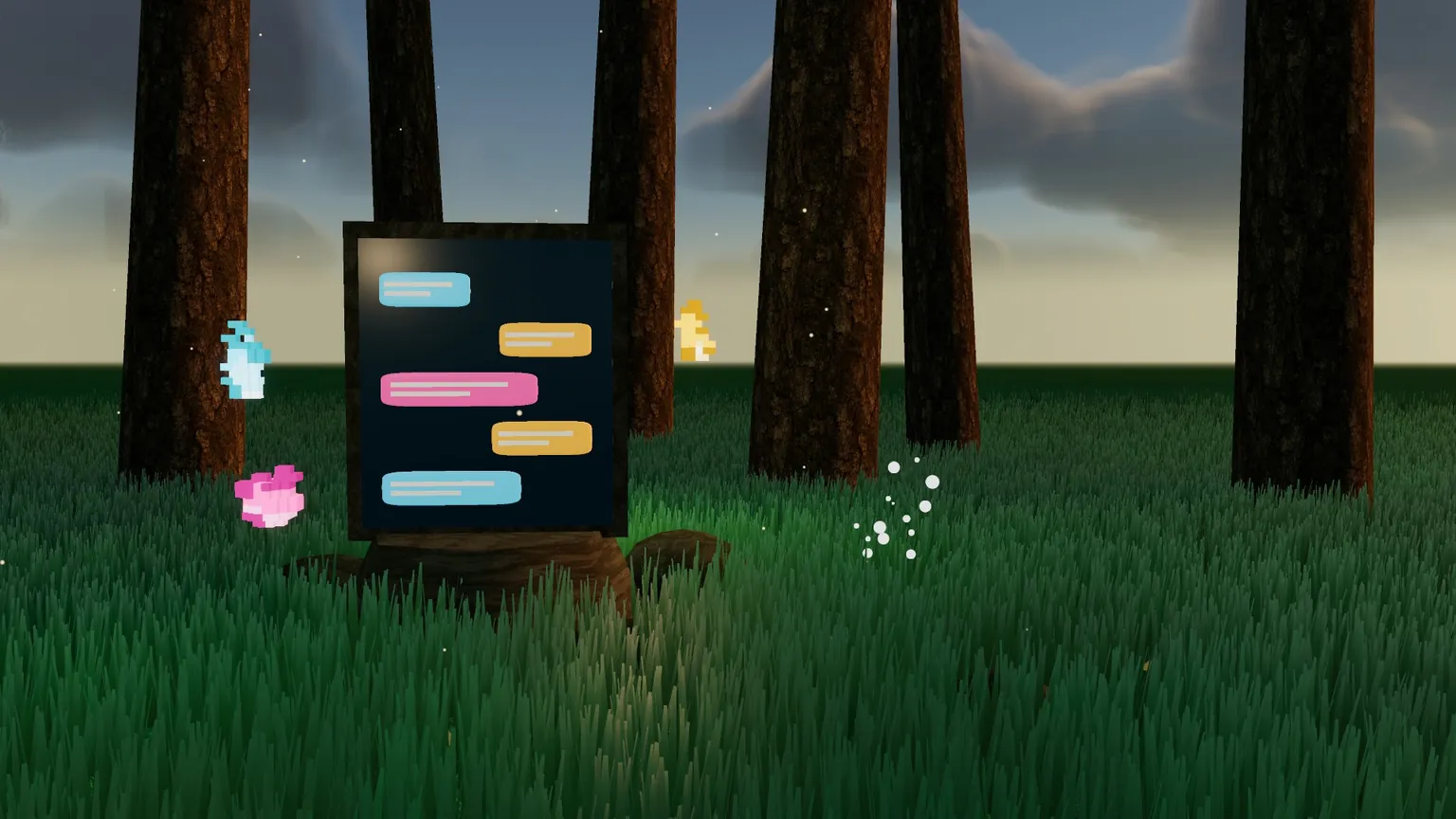

Your build crew, in one place. Crew Room gives you, Savi and her wisps a shared thread inside your game, so you can follow the work, make decisions and see what still needs checking. GET STARTED 1. Press Get on this page and add Crew Room to your game. 2.
Read the rest
Tell Savi: “Set up Crew Room in this game.” She connects it to your existing HUD and checks that messages arrive. 3. Open CREW at the top right. Only builders see it; regular players do not. 4. Tell Savi what you want built and ask her to use Crew Room. Follow the crew’s progress in the panel. MOVE swaps the panel’s side; × closes it. WHAT YOU WILL SEE Claim — a crew member names the work they are taking. Done — they have finished their part. This is not automatic approval. Stuck — they need help; Savi is notified. Critic — a reviewer gives a PASS or FAIL and explains what was checked. NOT SEEN IN GAME means it has not had a gameplay-eye review. Handoff — what changed, who takes it next and what remains open. WHO DOES WHAT Bench: Savi handles requests to look, listen, verify or play. Continuity: keeps the shared board current and flags unfinished handoffs and reviews. Critic: checks finished work against the brief, including watching it in game when appropriate. Passoff: hands the result and remaining work to the next person. The mod coordinates a crew; it does not automatically create a permanent team or guarantee a passing result. COMMANDS TO TRY IN CREW /vote Which roof? | slate | copper Opens a vote. Your ballot decides it immediately; otherwise it settles after three ballots or the deadline. /fullyes Build a small graveyard behind the chapel Gives the crew permission to make the project’s decisions without asking at every step. Your stated boundaries still apply. /stop Ends that advance permission. Crew members finish their current save and stop; it does not undo completed work. /look Check the chapel doorway from the player’s view Asks Savi to inspect something. /listen, /verify and /play request the other checks. GOOD TO KNOW The same thread follows your game’s crew across rooms. CREW’s badge shows unread messages. No panel after installing? Ask Savi to finish the Crew Room setup; the existing HUD needs its hookup. Start with one small, clearly bounded project. CREDITS Made by @dietrich. Votes, full yes, and the bench, continuity, critic and passoff roles were suggested by Fog (@foggydev).

